
Mutable vs Immutable Linux: Which One Should You Choose?
Quick Summary
Linux distros comes in two types: Mutable and Immutable. Mutable distros are the traditional Linux distros (like Ubuntu, Mint, and Arch) which give users total freedom and flexibility to modify anything but they need responsible maintenance. Whereas Immutable distros (like Silverblue and Vanilla OS) are new concept. They comes with read-only root permissions and are considered safe for new users, because they prevent breakage. So your choice depends on whether you want flexibility or reliability.
Main Article
Most Linux beginners waste weeks and sometimes even months on the wrong distribution and end up hating Linux for all the wrong reasons. Though here is the secret: there are actually TWO types of Linux systems, and picking the wrong one means endless frustration. But if you get it right, Linux becomes a joy to use.
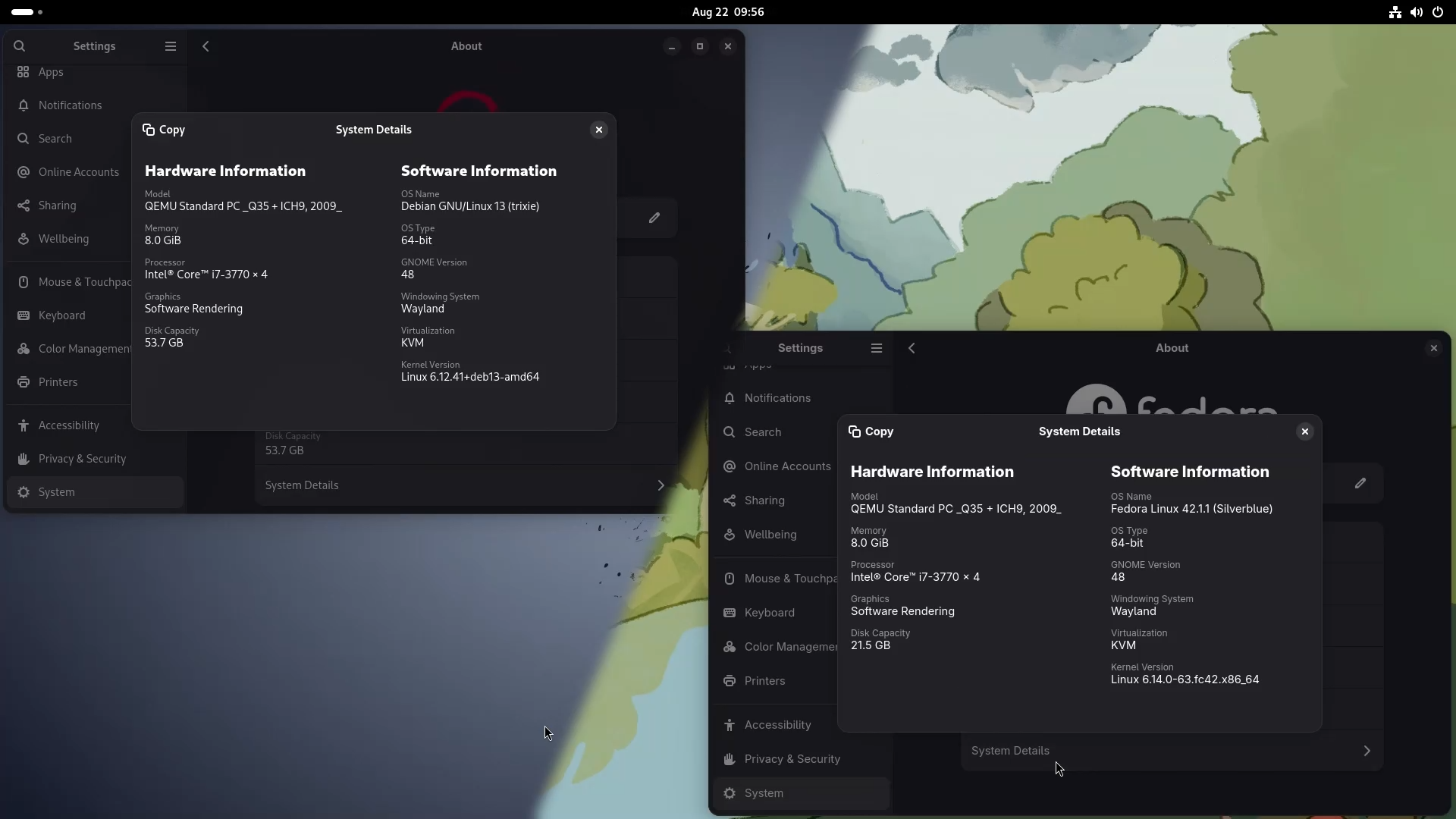
Yes, you heard that right. Because what most of the beginners do is they research online and everywhere they are recommended options like Linux Mint, Manjaro, and so on. But nowadays, apart from the traditional Linux, there exists a second kind called an Immutable Linux distro, and they are rarely considered as beginner-friendly options. So in this guide, I will break down the concept of mutable and immutable Linux in easy layman’s terms so that by the end of this article, you will know exactly which one to choose.
What is Mutable Linux?

If you go by the Dictionary, the word “Mutable” means “capable, susceptible or prone to change or mutation”, and similarly, “Immutable” means “not capable, susceptible or prone to change or mutation”.
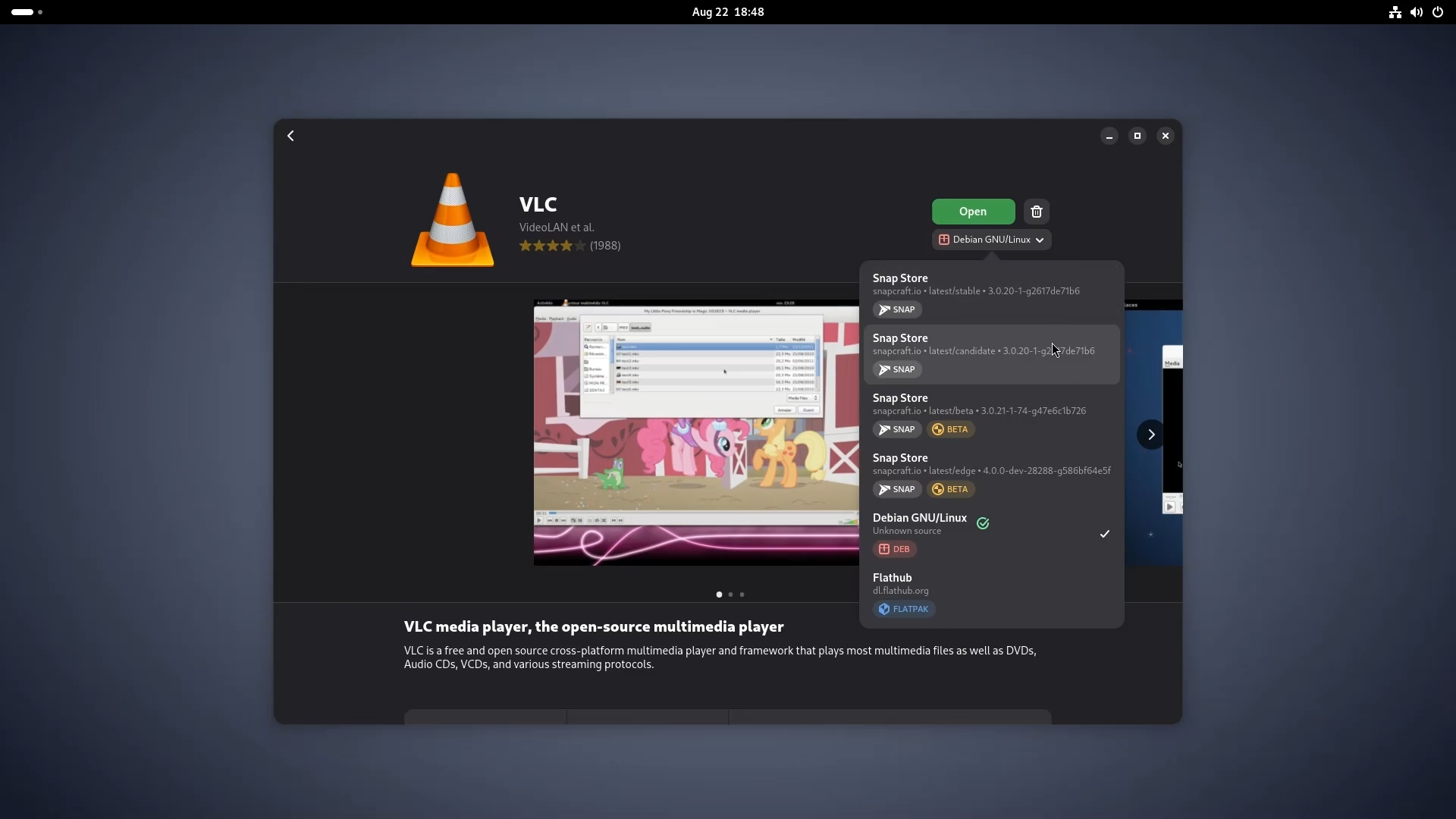
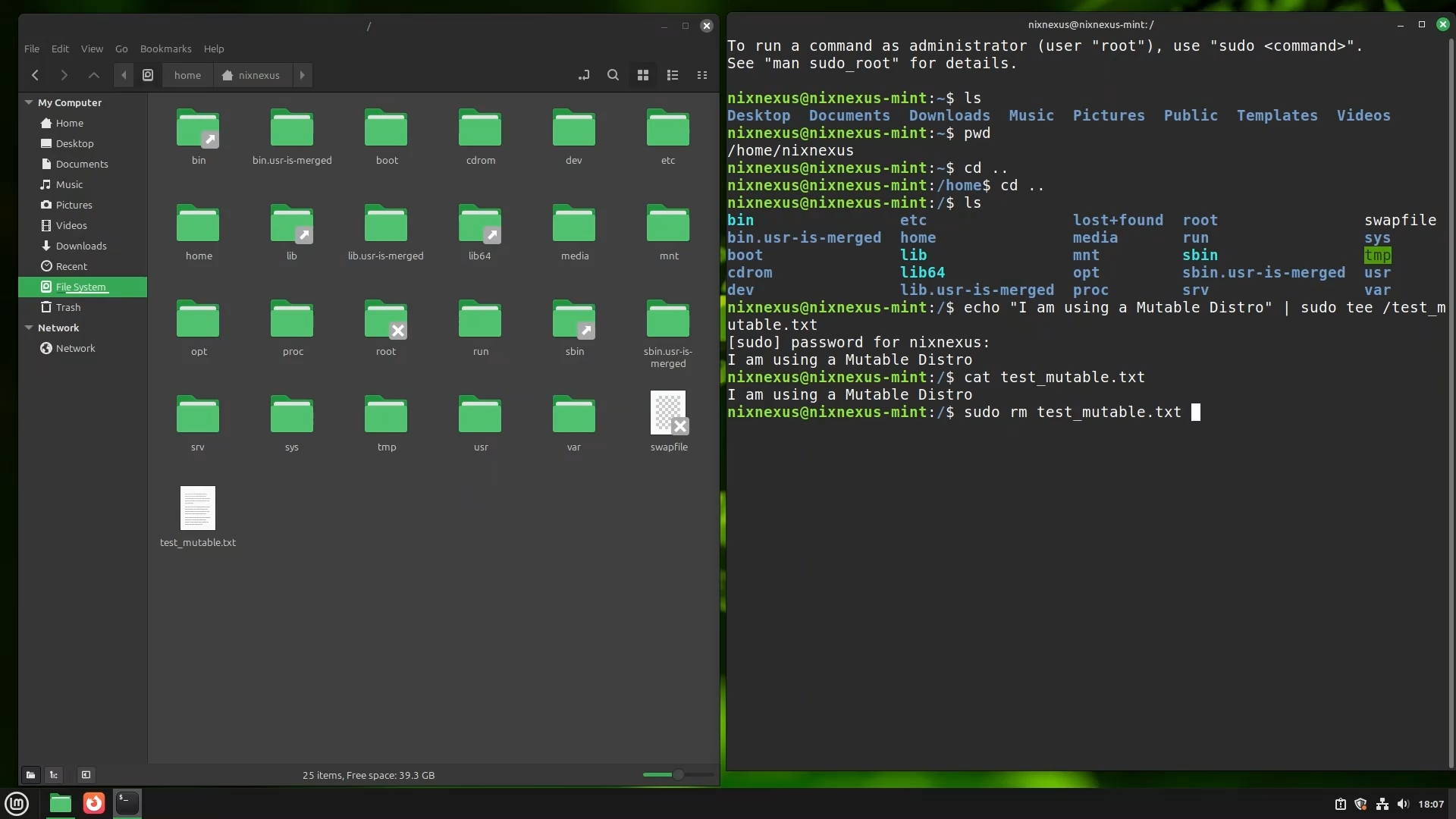
Therefore, almost all the Popular and Classic Linux distros like Ubuntu, Fedora-Workstation, Arch, Linux Mint, Manjaro, etc. are examples of mutable Linux distributions. Meaning their whole system is open for modification. The root file system is writable, meaning users can freely change or modify the system files, install or remove packages through various kinds of package managers, and customise almost everything.
Updates in a mutable system happen package-by-package through system-specific managers like APT, DNF, or Pacman, giving users a huge amount of flexibility.
What is Immutable Linux?

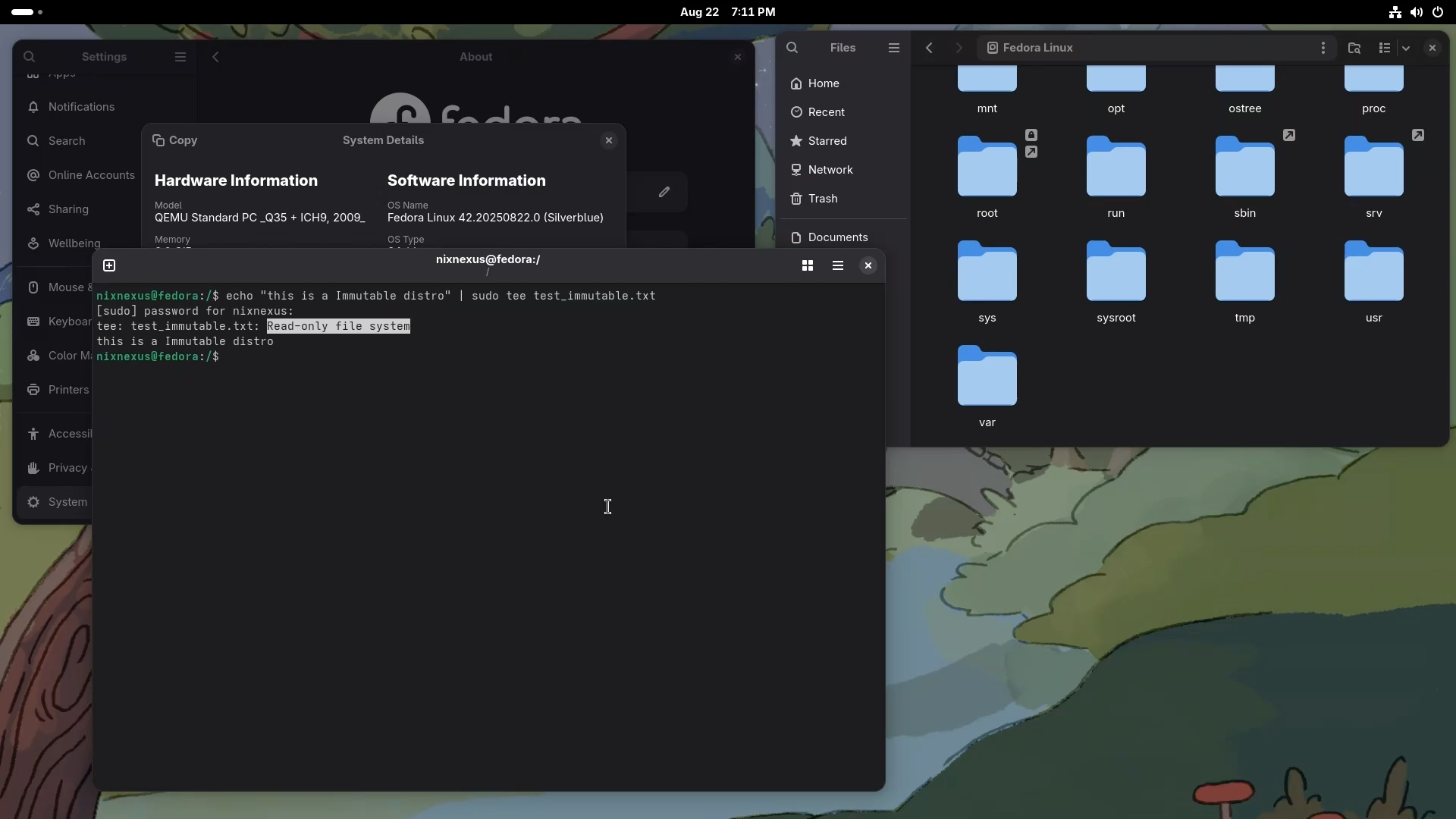
On the other hand, Immutable distros are a newer approach; they are special versions of Linux where the core system is just read-only. Meaning users cannot directly change or modify the root system files, making the Operating System even more secure, stable, and reliable than traditional ones. With the help of Containerisation, Immutable distros isolate every program from the core system and even from each other, so even if you do end up getting a bad, corrupted, or infected application, it cannot touch the underlying system.
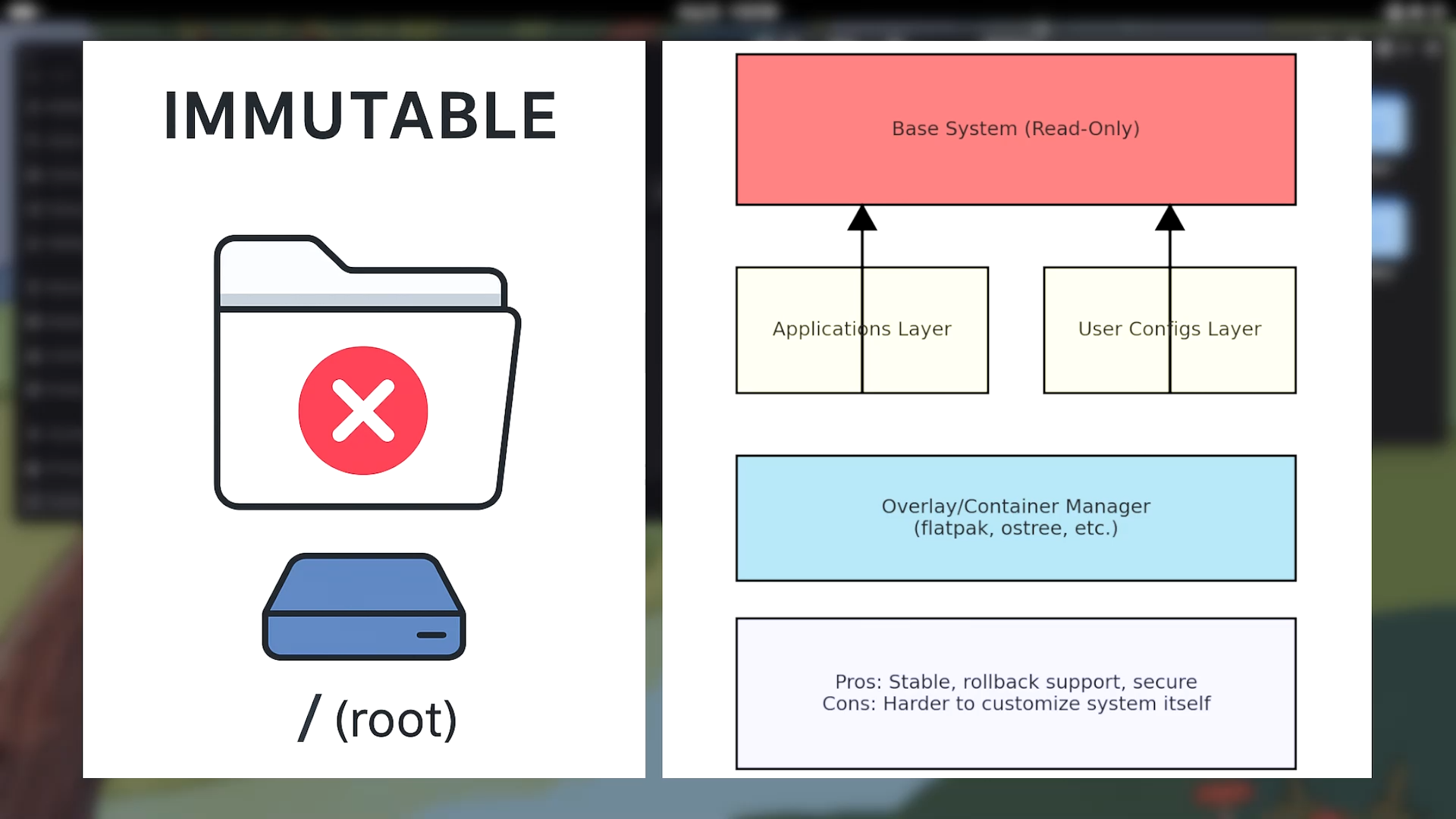
In an Immutable System, Updates are done as atomic upgrades, meaning everything in the system updates at once during the reboot, and if something fails, then the system rolls back to its previous working state. Software installation usually happens in a containerised method through universal package managers like Flatpak, AppImage, or Snap rather than the traditional package managers. Fedora Silverblue, Vanilla OS, NitruxOS, BazziteOS and the newly built GnomeOS are some of the best examples of Immutable distributions.
So Which One Should You Use?
To be honest, after using and testing both types of Linux distributions. I have come to the conclusion that “There is no wrong choice. Just wrong expectations.”
Mutable distros give you endless flexibility. But with great power and flexibility comes great responsibility; you have to maintain your system regularly and properly, otherwise there will be a risk of breakage. Conflicting packages and dependencies can indeed break your system. But in correct hands, they are incomparable.
Choose Mutable Distros If:
- You want access to the widest range of software, drivers, themes and tweaks - You do not mind troubleshooting or fixing issues when something breaks - You love experimenting, customising, and editing system files - You need total control over your system dependencies, packages, and system configurations
Choose Immutable Distros If:
- You are a beginner to Linux who wants to play it safe and does not like spending time in Wiki pages or system troubleshooting - You are not into system customisation and modification - You rely on Flatpak, Snap, or AppImage for your software needs - You want a “set it then forget it” Linux distro with maximum stability and fewer chances of breaking
The Future of Linux Distributions
The future is moving towards immutable distros, but mutable distributions will always remain the backbone of the Linux ecosystem. Both types of distributions have their place in the Linux world. The key is understanding your needs, technical comfort level, and how much time you want to invest in system maintenance. Whether you choose the flexibility of mutable distros or the stability of immutable ones, Linux offers something for everyone.
Frequently Asked Questions
Q: What’s the difference between mutable and immutable Linux distributions?
A: Mutable Linux (Debian, Fedora, Arch, Mint, Manjaro) has a writable root filesystem where users can freely modify system files, install/remove packages, and customise everything. Updates happen package-by-package via APT, DNF, or Pacman. Immutable Linux (Fedora Silverblue, Vanilla OS, BazziteOS) has a read-only core system where users cannot directly modify root files. Updates are atomic (everything updates at once during reboot), and software installs via containerised methods like Flatpak, AppImage, Snap.
Q: Which Linux distributions are considered mutable?
A: Almost all popular and classic Linux distros are mutable: Debian, Ubuntu, Fedora Workstation, Arch, Linux Mint, Manjaro, and most traditional distributions. These have writable root filesystems allowing users to freely modify system files and install/remove packages through package managers.
Q: Which Linux distributions are considered immutable?
A: Examples of immutable distributions include: Fedora Silverblue, Vanilla OS, BazziteOS, and the newly built GnomeOS. These are newer approaches where the core system is read-only and updates happen atomically.
Q: How is software installed on immutable Linux if the core system is read-only?
A: Software installation on immutable Linux happens in a containerised method through universal package managers like Flatpak, AppImage, or Snap rather than traditional package managers. Containerisation isolates every program from the core system and from each other, so even corrupted or infected applications cannot touch the underlying system.
Q: What are the advantages of mutable Linux distributions?
A: Mutable distros provide: endless flexibility, access to the widest range of software/drivers/themes/tweaks, ability to experiment and customise system files, total control over system dependencies/packages/configurations, and compatibility with all traditional package managers. In correct hands, they are incomparable for power users.
Q: What are the advantages of immutable Linux distributions?
A: Immutable distros offer: enhanced security/stability/reliability through read-only core systems, automatic rollback if updates fail, containerisation preventing bad apps from touching the underlying system, “set it and forget it” stability with fewer chances of breaking, and less time needed for troubleshooting or system maintenance.
Q: Who should choose mutable Linux and who should choose immutable Linux?
A: User should choose Mutable if they want widest software/driver/theme access, don’t mind troubleshooting when things break, love experimenting/customising/editing system files, need total control over dependencies/packages/configurations. If user is a Linux beginner wanting to play it safe, don’t like spending time in Wiki pages or troubleshooting, aren’t into system customisation, rely on Flatpak/Snap/AppImage, want maximum stability with minimal maintenance then they should go with Immutable.
📑 If you enjoyed this article, you may also like our guide on:
🎬 Prefer watching? Here’s the detailed video:
💬 Engage With The Community:
🔀 Share this Article: