
Linux Mint 22.2 "Zara" - A Complete Review
Quick Summary
Linux Mint 22.2 continues Mint’s tradition of stability and usability. Built on Ubuntu 24.04 LTS, it offers a familiar Windows-like interface, fast installation, excellent performance, and strong community support. With three desktop environments and long-term support until 2029, it remains one of the best Linux distributions for everyday desktop users.
Main Article
Linux Mint is one of the most popular and widely used desktop Linux distributions in the world, trusted by millions of people every single day. Alongside Ubuntu, it is often regarded as one of the most influential Linux projects ever created, especially for everyday desktop users. Many consider it as one of the best alternatives to Microsoft Windows and Apple MacOS, thanks to its familiar layout, stability, and ease of use.
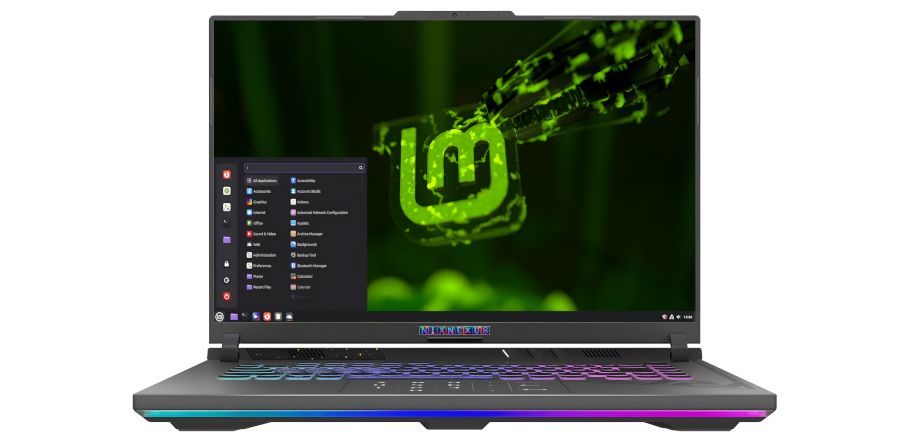
Linux Mint work flawlessly right out of the box on both desktop and laptop computers. And it comes fully equipped with a carefully chosen set of applications that cover the needs of most users. Linux Mint deliver a modern, elegant, and comfortable operating system that strikes the perfect balance between power and simplicity. It’s designed to be intuitive for newcomers while still offering flexibility and depth for experienced users.
In early September of 2025, Linux Mint added a new chapter with the release of version 22.2, codenamed “Zara.”. This is a Long-Term Support release, built on the rock-solid foundation of Ubuntu 24.04 LTS, and it will receive updates and official support until 2029, making it a safe and reliable choice for the years ahead.
Official Website And ISO Download Process
The official website is clean, elegant, and simple to navigate, making it beginner-friendly from the very first click. The download section, the about section and other important information and links are neatly organised, meaning visitors will be able to find whatever they are looking for very easily.
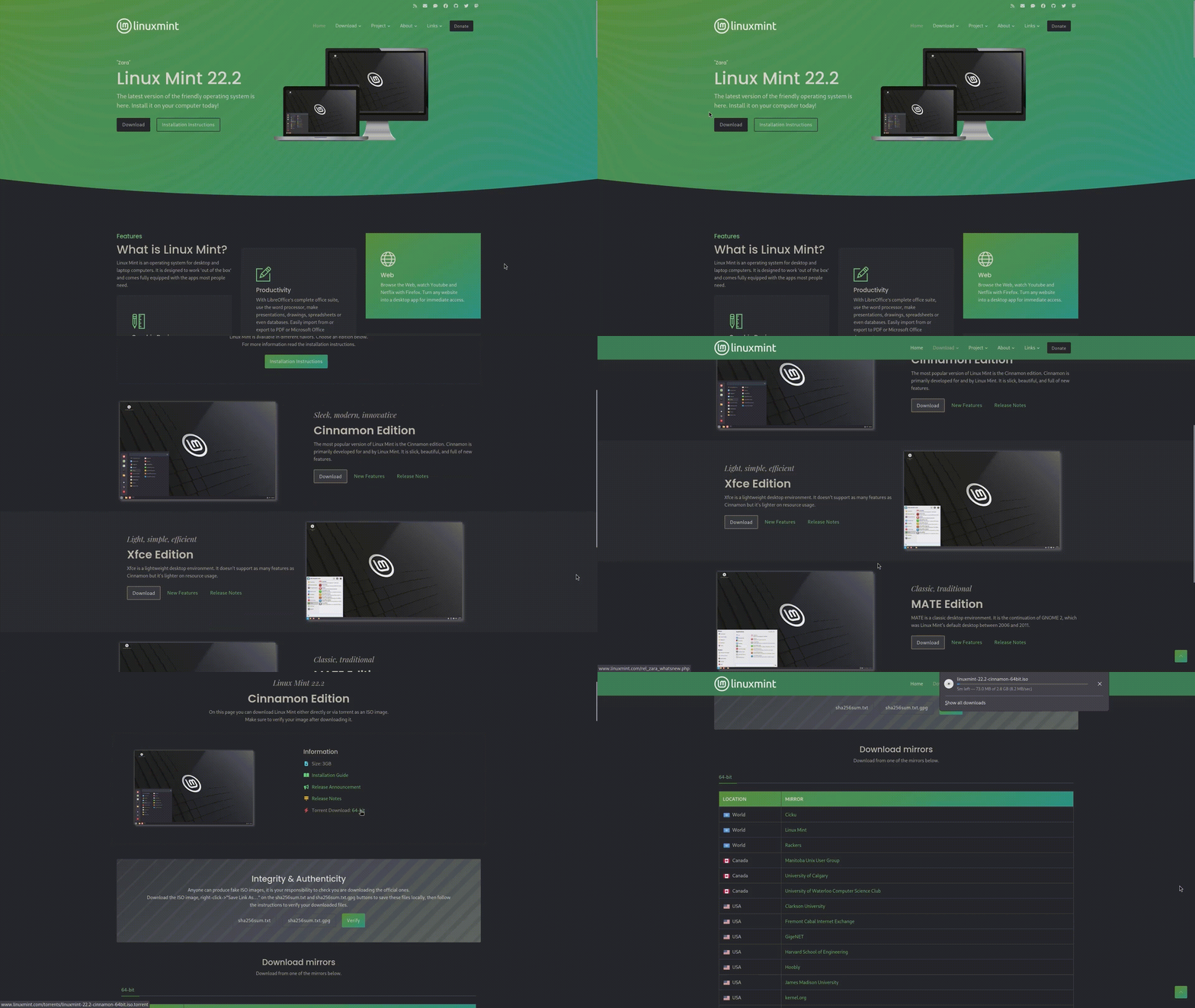
The downloading process for the Linux Mint installation ISO is a cakewalk as always, because as soon as you land on their website, the first thing you will see is the bold “Download” button of the Latest release. And when you click on that “Download“ button, it will take you to the Main Downloads page, where you can choose Linux Mint with your preferred Desktop environment. Linux Mint officially offers three different editions, namely Cinnamon, Xfce and Mate, who has their own respective Download page, Features page and Release Note page.
Again, clicking these respective download buttons will take you to their separate Download page, where you can download the ISO via torrent or through their official download mirrors. After the downloading process is completed. All you have to do is create a Bootable USB drive, using programs like Rufus or Ventoy, and boot into the Live USB drive.
By the way, one important detail to note is that Linux Mint only support 64-bit hardware, so you cannot install it on a 32-bit machine.
Installation Experience
The installation of Linux Mint Zara is a fairly simple and beginner-friendly process, which is consistent across all three editions. It begins with a fully functional Live environment, which allows you to explore, experiment, and test the system without making any changes to your hard drive.
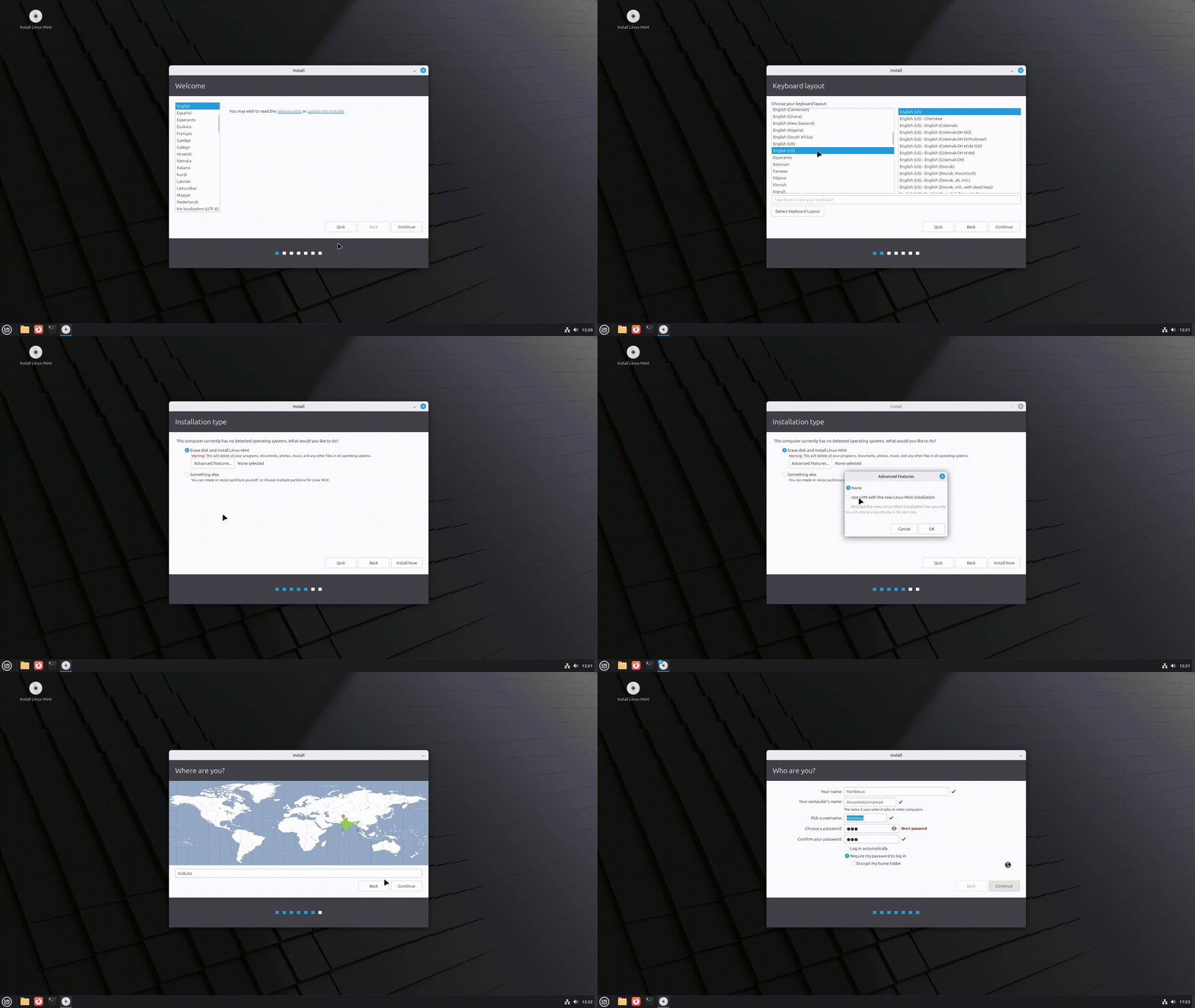
The actual installation process is managed by the Ubiquity installer, a simple tool that only requires you to answer seven basic questions, like language selection, keyboard layout, disk partitioning, user creation, disk encryption, and a few others. Once these are set, the installation proceeds quickly and efficiently.
In fact, no matter which edition you choose, Linux Mint Zara typically installs in just 8 to 9 minutes, making it one of the fastest and smoothest installation experiences among desktop Linux distributions.
Out-of-the-Box Experience with Desktop Environment & User Interface
Linux Mint 22.2 is available in three editions: Cinnamon, a homegrown but flagship desktop environment; and Mate and Xfce, both slightly customised by the Mint team for a consistent experience.
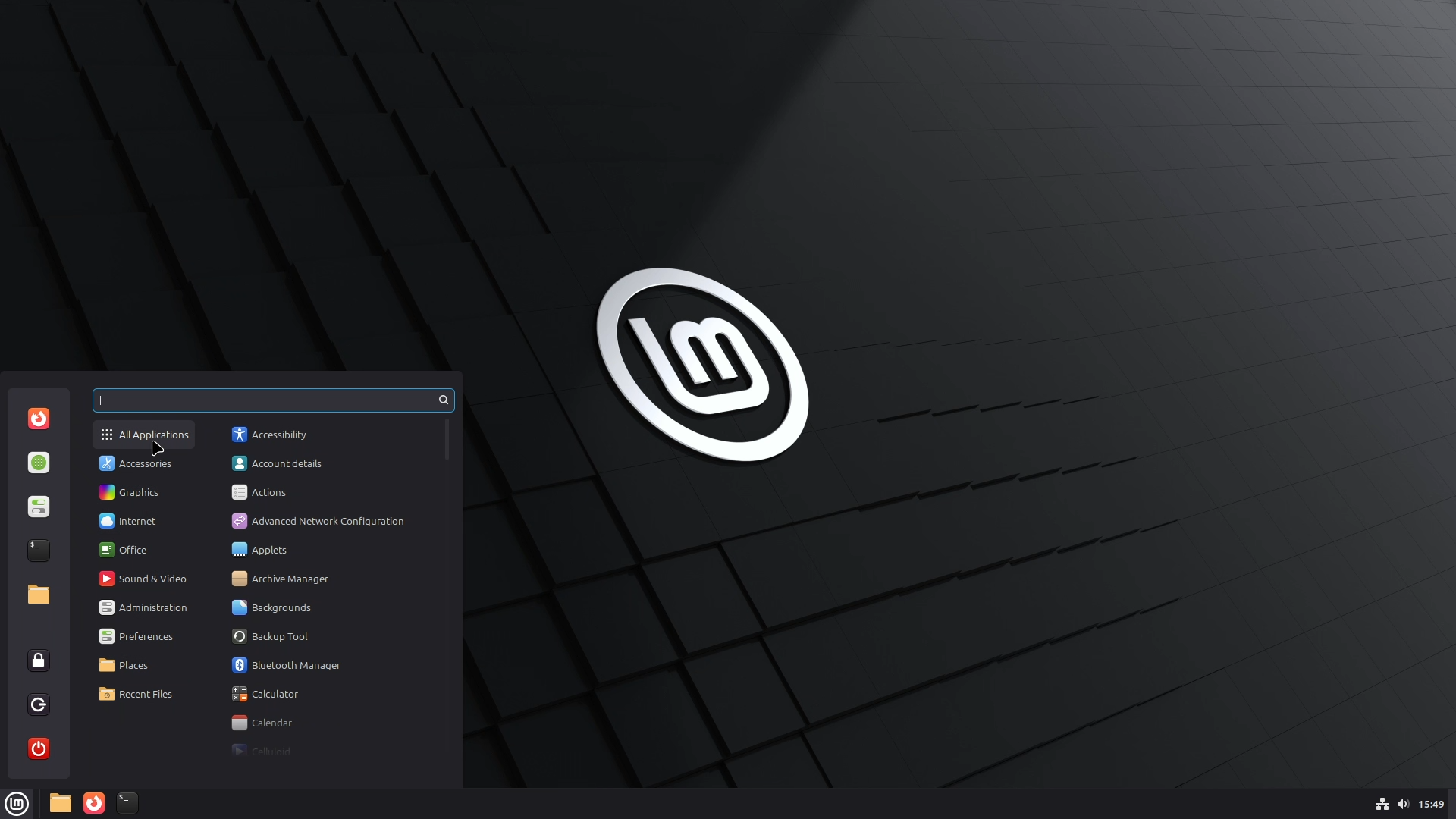
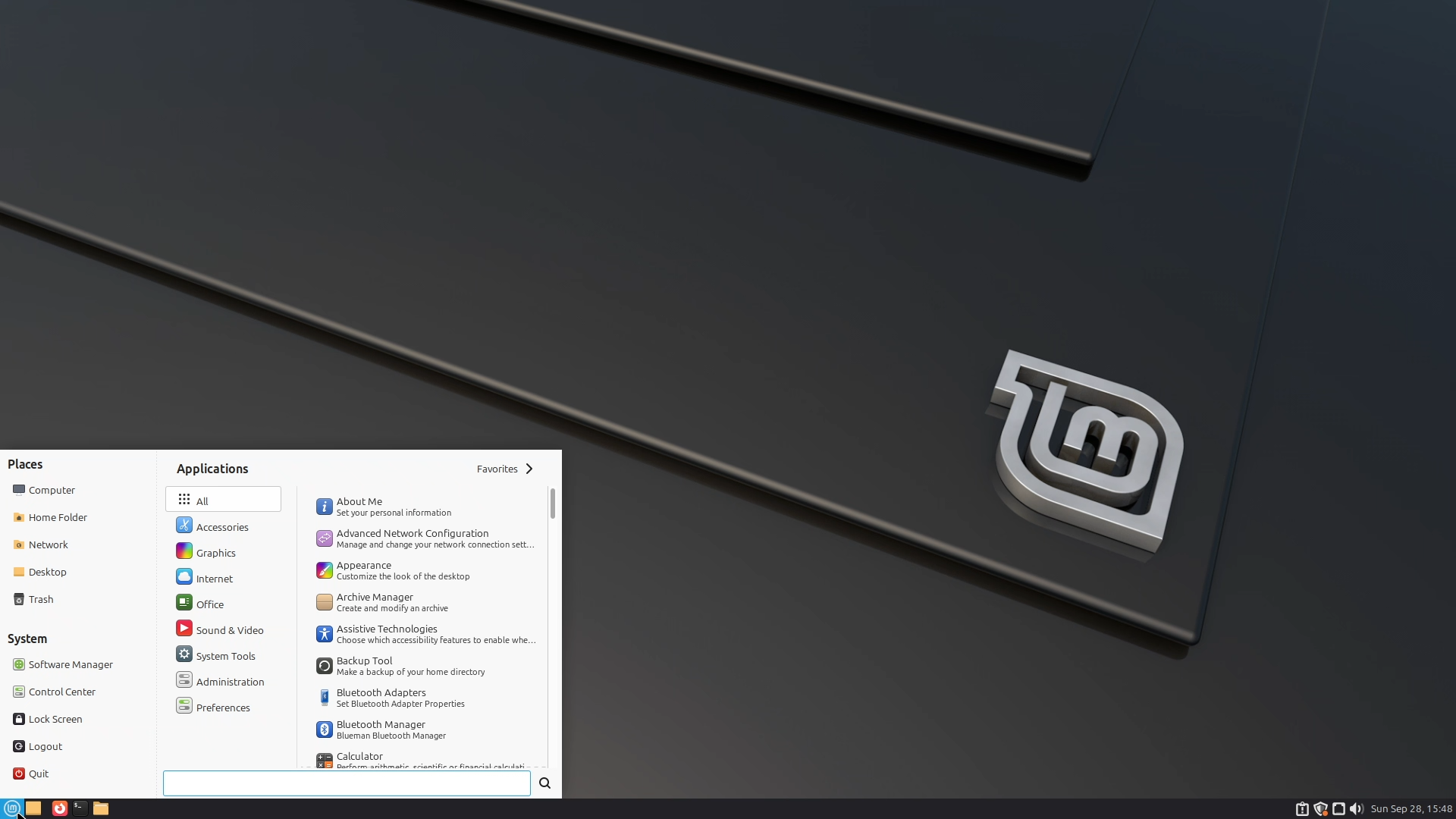
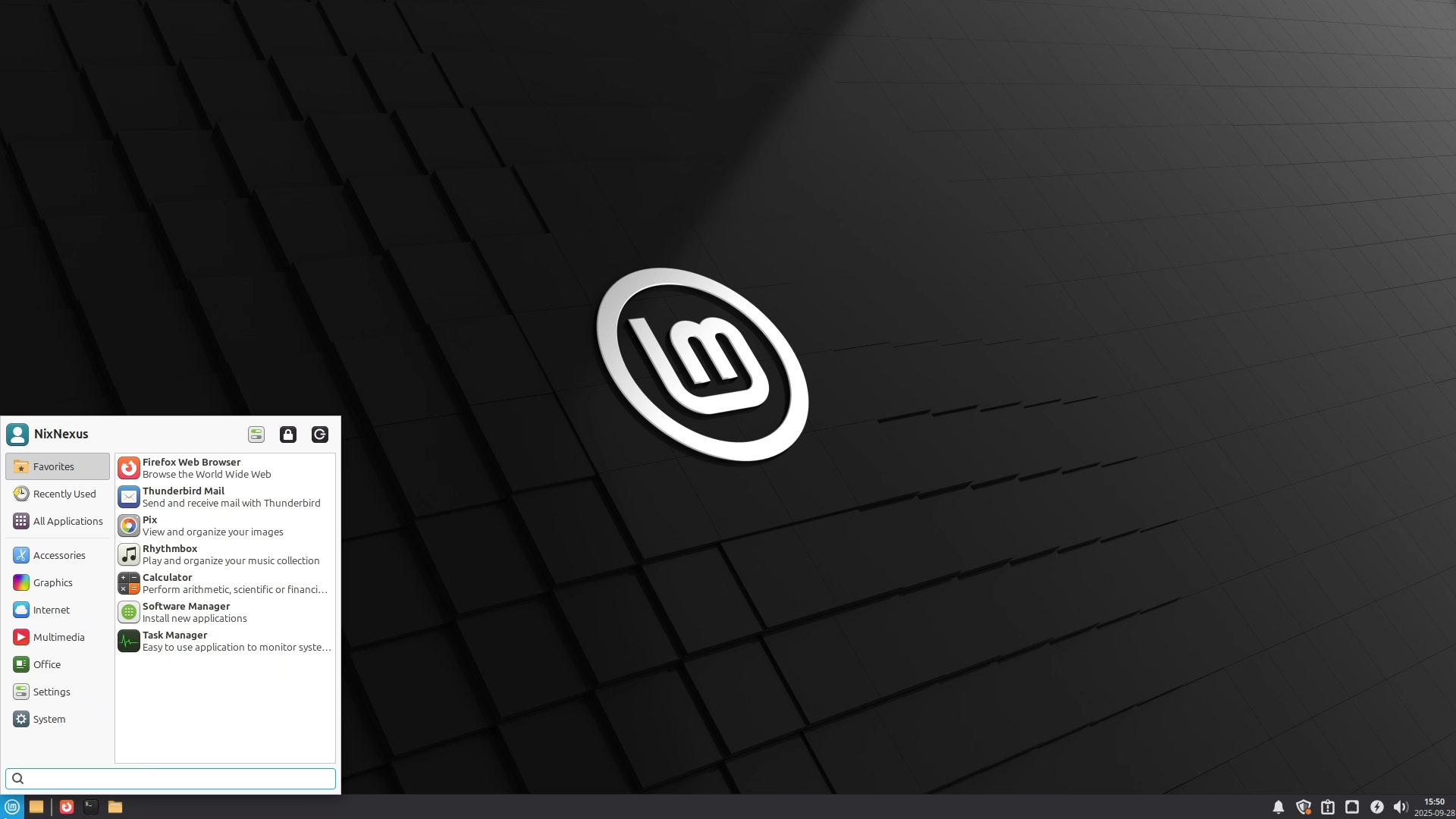
Visually, all three editions look simple yet elegant and appealing. The icons, themes, and fonts are all consistent, well-chosen and complement each other very well.
The user interface is intuitive and beginner-friendly, making everyday tasks like connecting to the internet, managing files, adjusting display settings, or changing the desktop background effortless. The Start Menu is well-organised into categories across all editions, so even new users, especially those switching from Windows, can quickly find what they need, without any confusion or hassle.
Software, Package & Update Management
Linux Mint Zara comes preinstalled with a wide range of useful applications. Like Celluloid, for watching videos and movies, Firefox, for securely surfing the web, LibreOffice, for productivity tasks, and Web Apps, for turning any website into a desktop application.
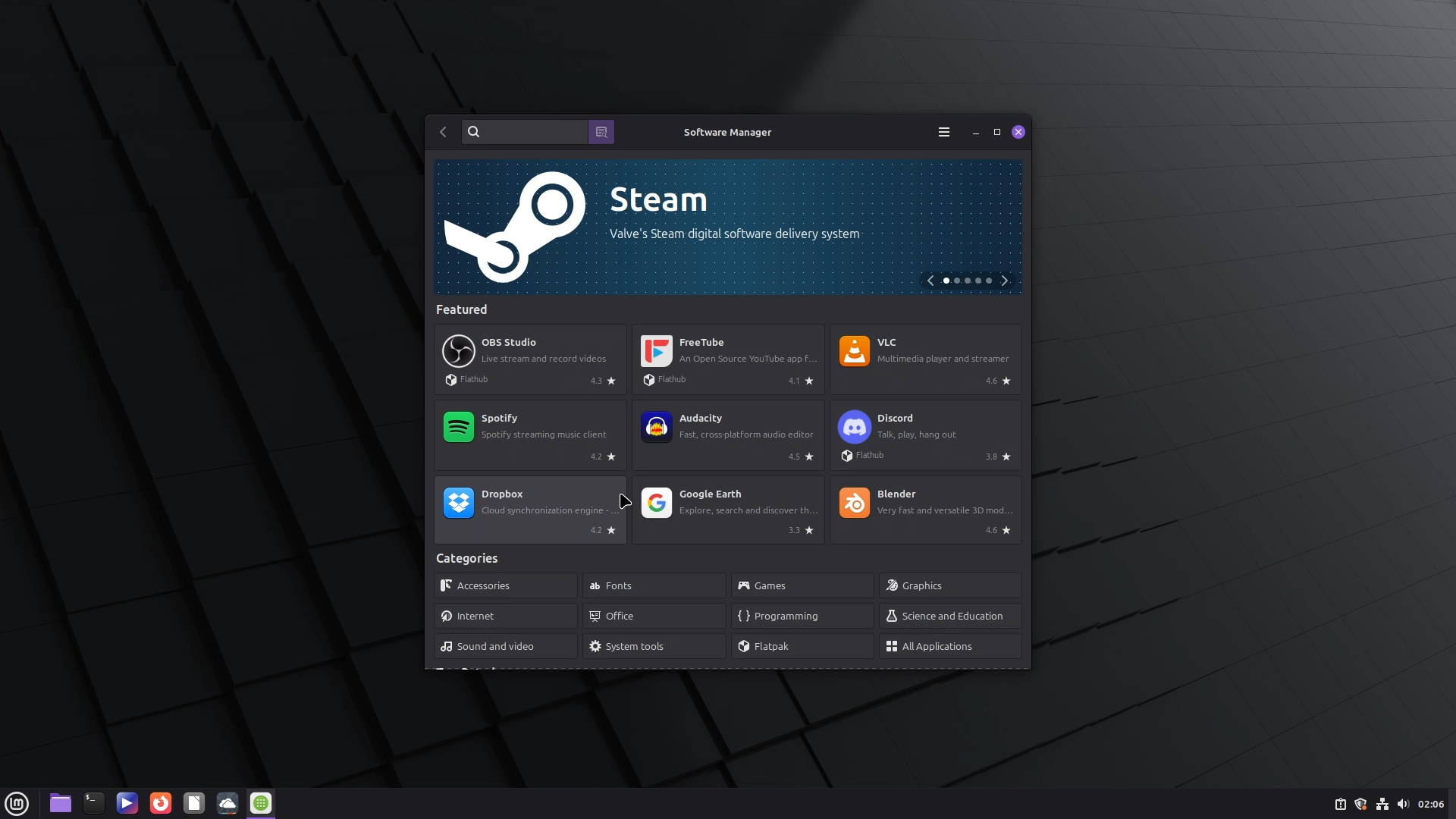
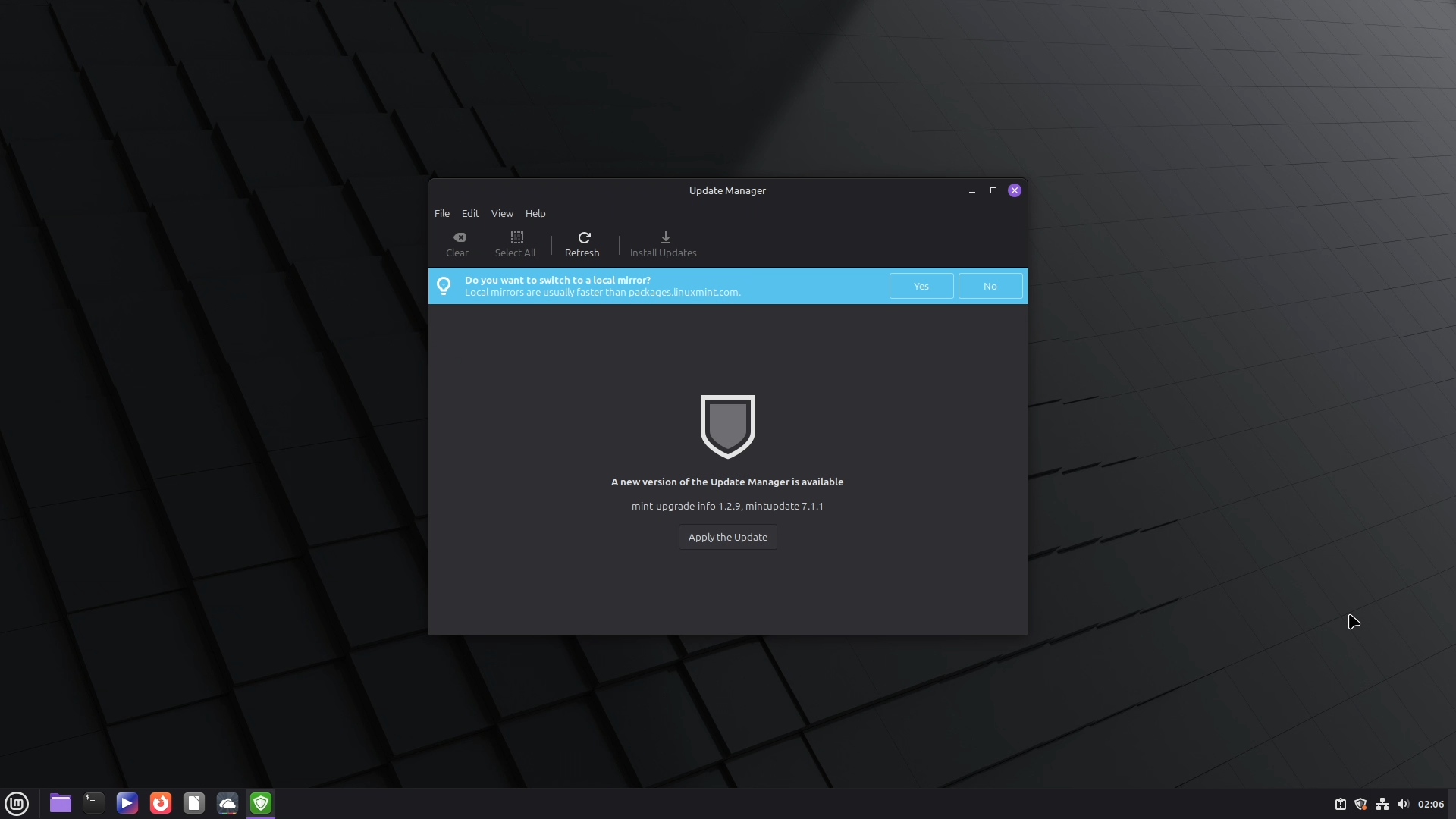
For additional software, Linux Mint offers a fast, reliable, and well-stocked Software Manager. It also supports modern universal packaging formats like Flatpak and AppImage. And as Linux Mint is based on Debian and Ubuntu, it also provides support for the “apt“ package manager, meaning you will have one of the largest libraries of software that you will ever need.
Plus, the built-in Update Manager in Linux Mint makes maintaining your system effortless, where, in a few clicks, you can update and upgrade the system, take snapshot backups, or even change your system’s kernel.
New Included Features
Linux Mint 22.2 has introduced several refinements and fresh features. It now ships with Linux kernel 6.14, along with an improved login screen with blur effects and user avatars. The Sticky Notes app has been redesigned with rounded corners for a cleaner look. Hypnotix now supports Theatre Mode and Borderless Mode for distraction-free viewing, along with performance boosts. A completely new XApp called Fingwit enables fingerprint authentication for login, running sudo commands, and accessing admin apps. Under the hood, LibAdwaita now works seamlessly with theming and is supported by Mint-Y, Mint-X, and Mint-L themes. The XDG Desktop Portal XApp introduced support for accent colours, which is consistent across Cinnamon, MATE, and Xfce editions. On top of this, XApps and artwork received multiple improvements for an overall polished experience.
Performance, Stability & Hardware Usage
Linux Mint Zara, like its predecessors, feels very Snappy, Smooth, and stable. Applications launch quickly, and you will rarely feel any lag while multitasking. And I have never experienced any crashes, glitches, or bugs during my testing.
The Boot-up and shutdown timings are also quite fast; on a fresh virtual machine install, all the Linux Mint editions boot up within 8 seconds and shut down in just 6 seconds.
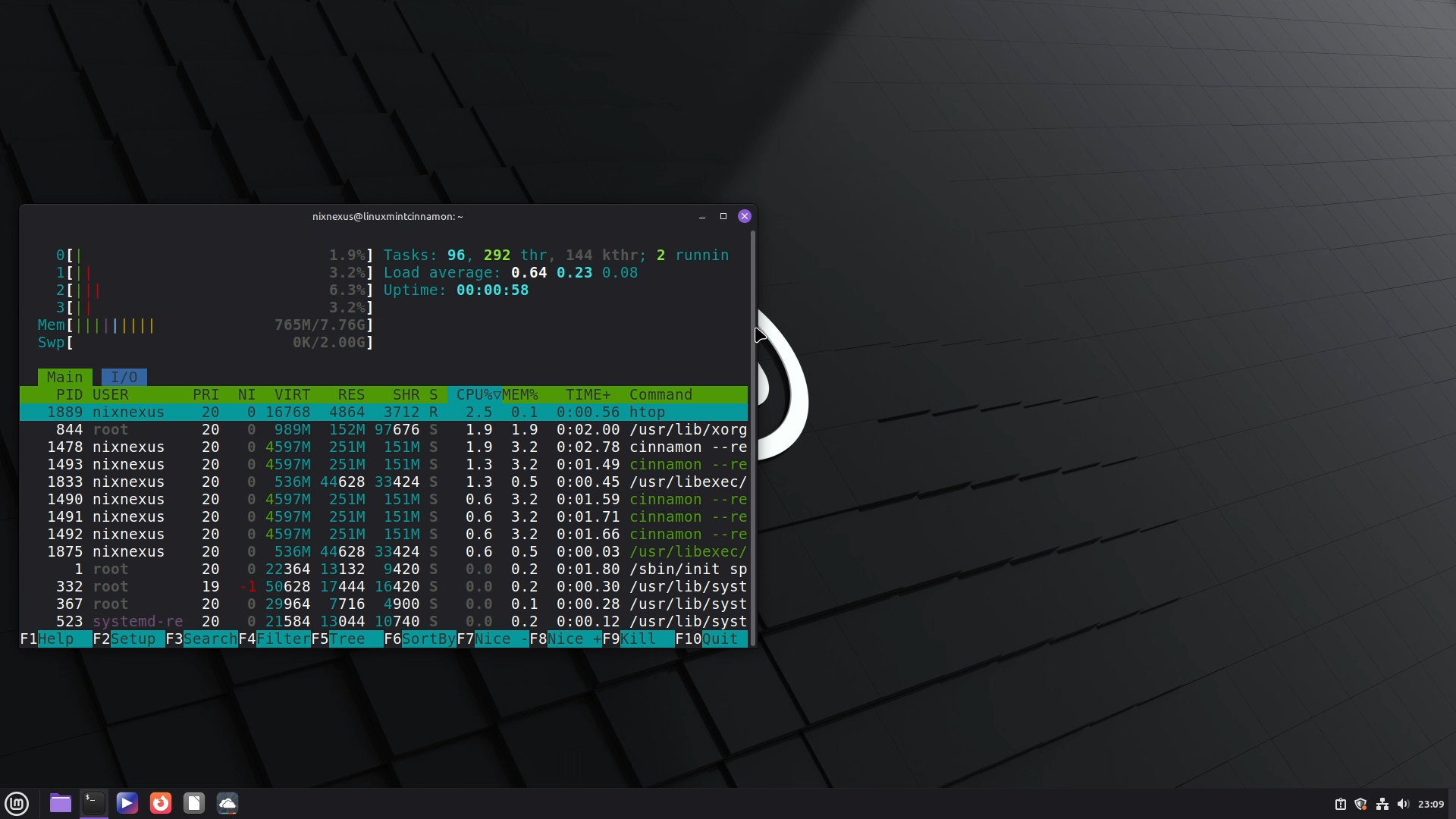
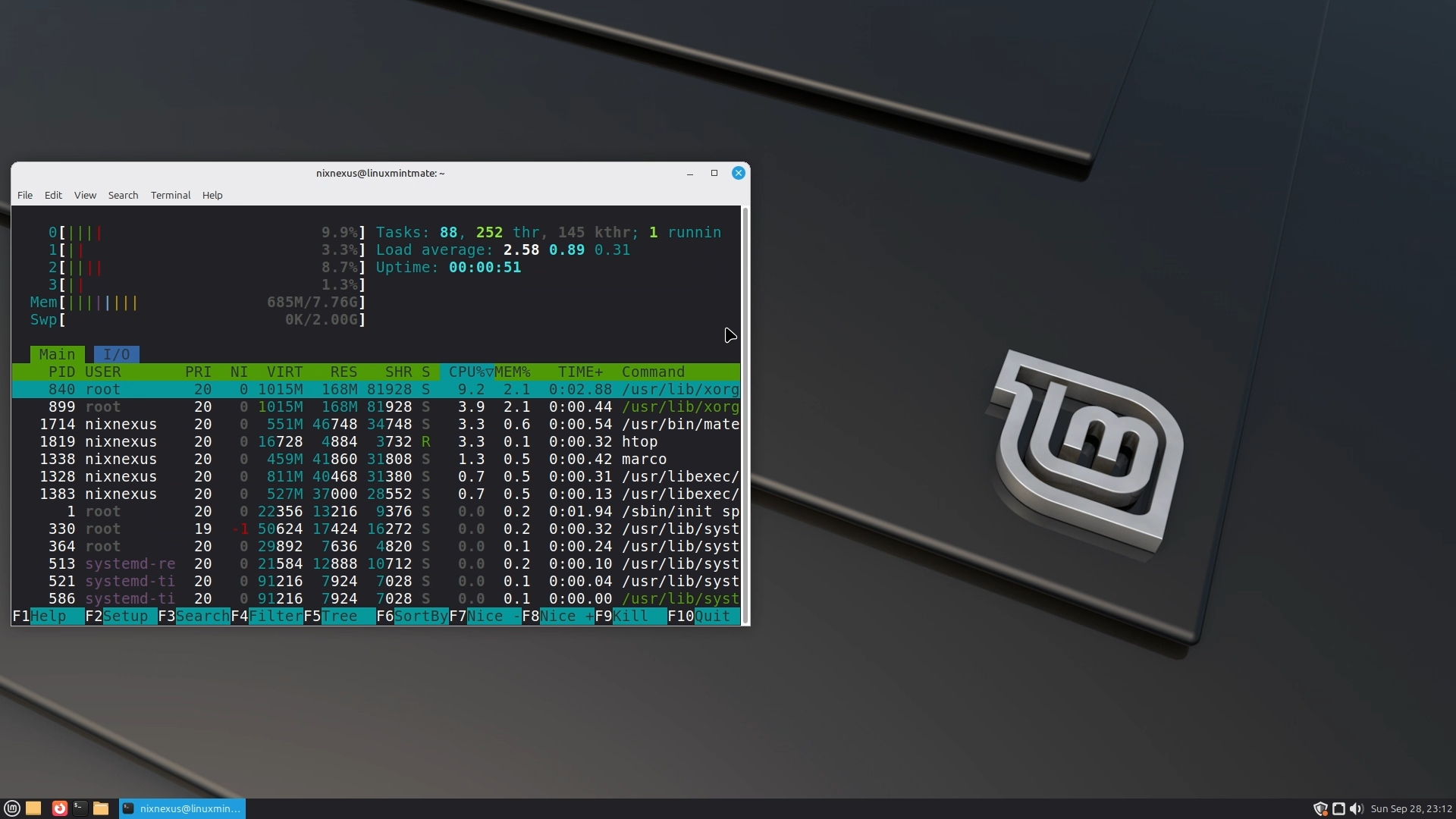
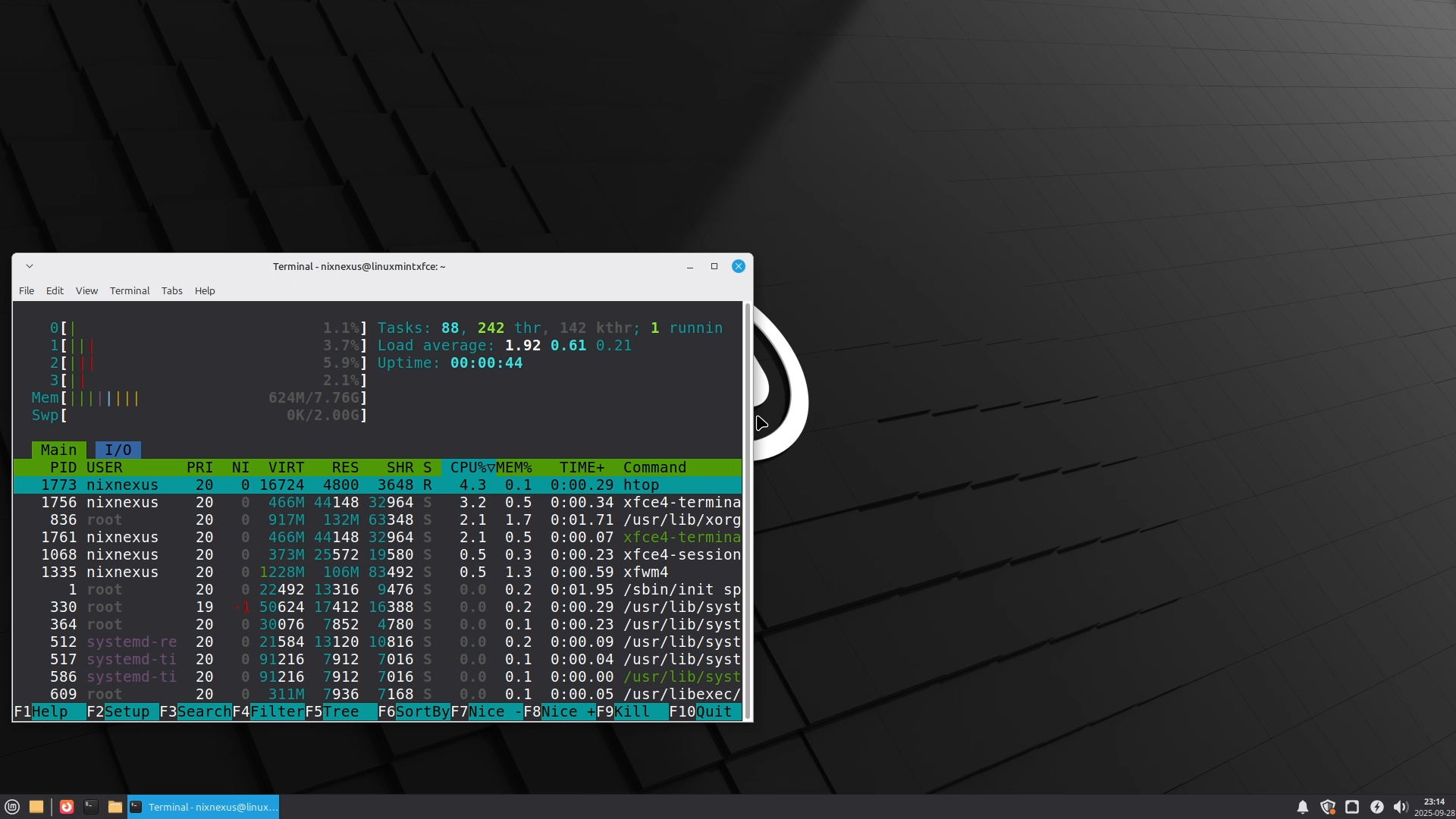
At idle, the average system load, in all three editions, stays under 1% and the Memory usage in the Cinnamon Edition hovers between 750-760 MB, in the Mate Edition it is between 690-700 MB and in the Xfce Edition it lies between 650-660 MB, proving how efficient and lightweight Linux Mint really is.
Community & Support
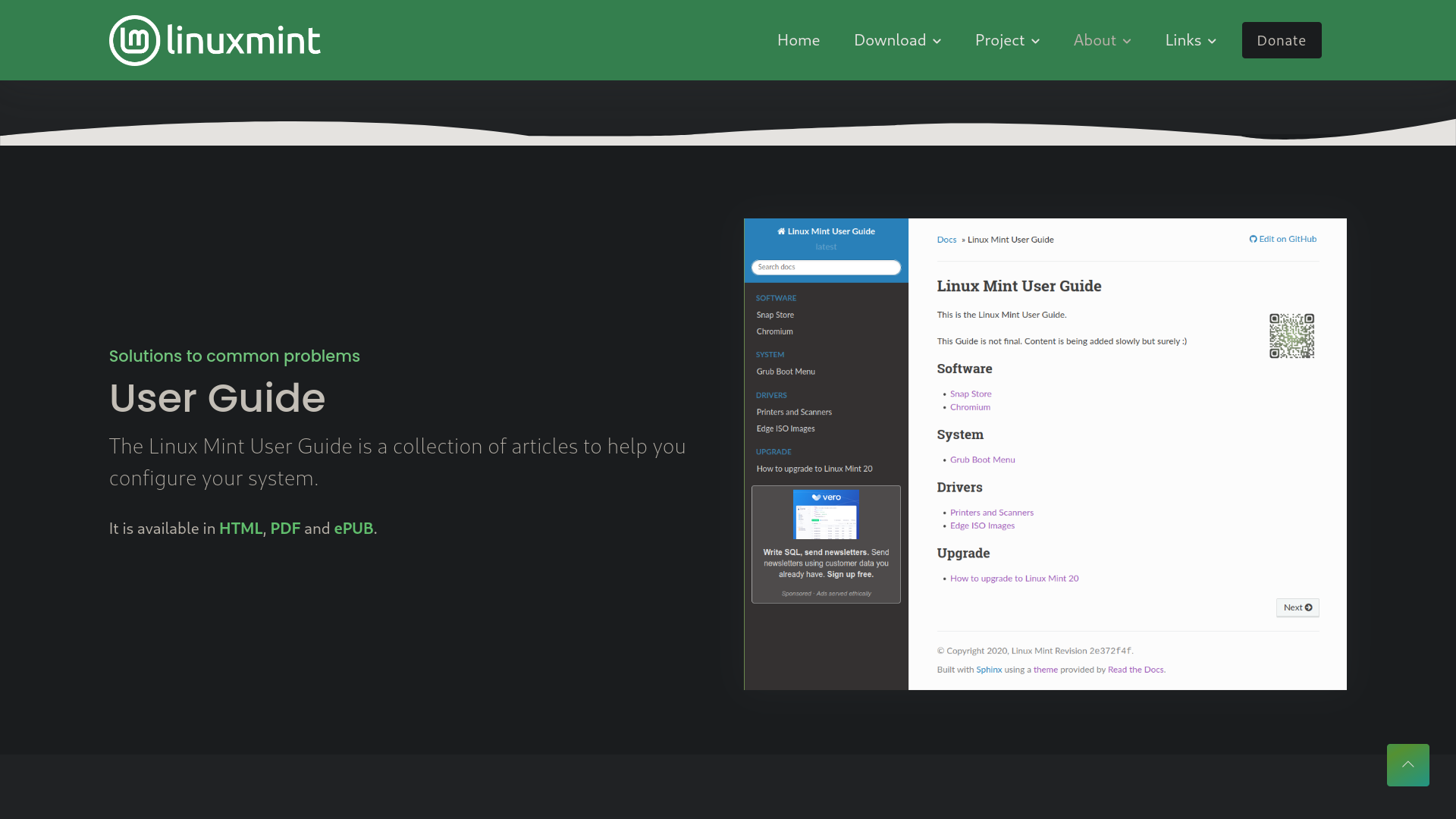
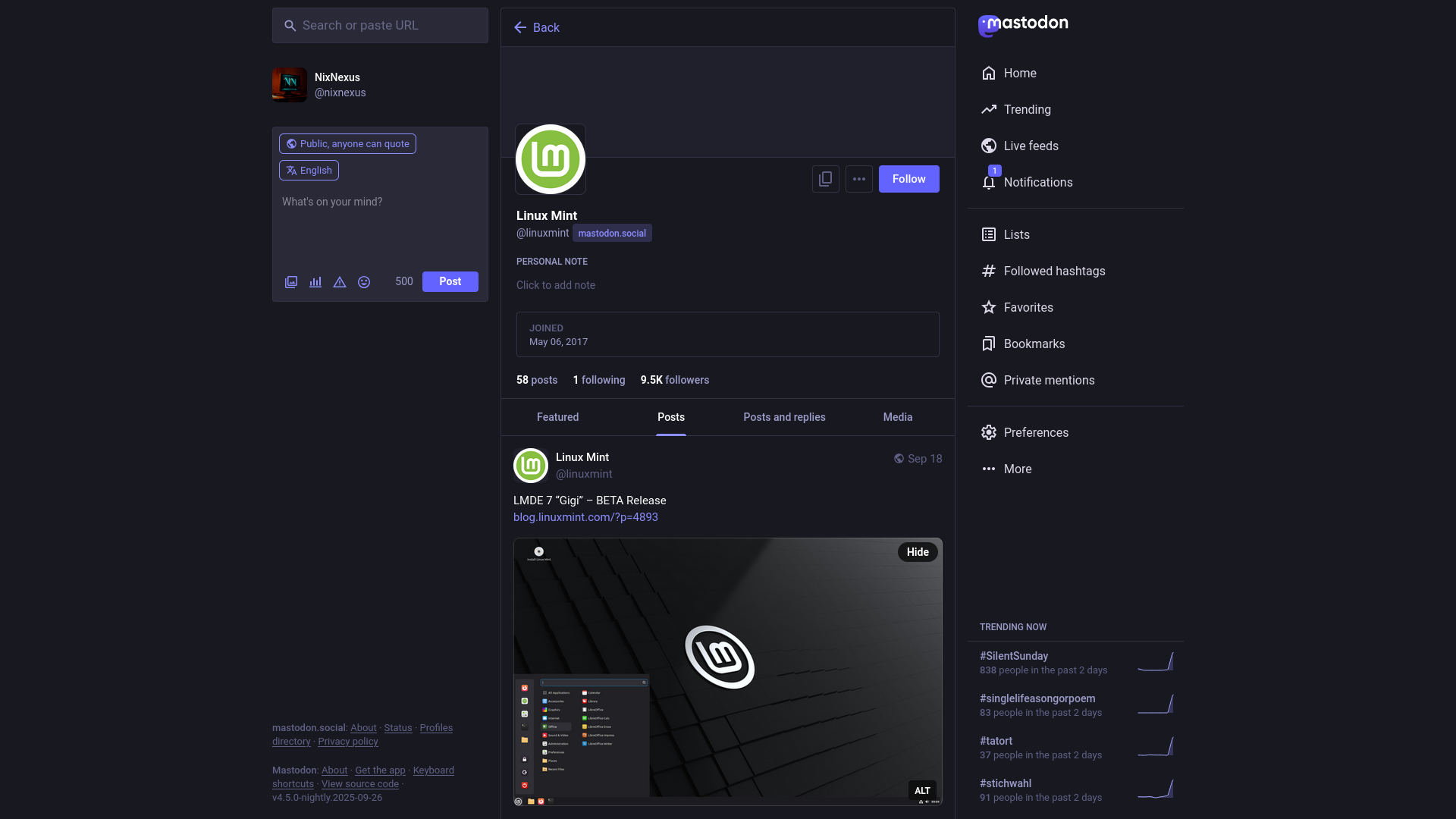
The official Linux Mint documentation is both comprehensive and easy to follow, which is divided into five sections. Namely - Installation Guide, User Guide, Troubleshooting Guide, Developer Guide, and Translation Guide. In addition, the project maintains a strong presence on platforms like Facebook, Twitter, Mastodon, and GitHub, where users can share problems and find solutions.
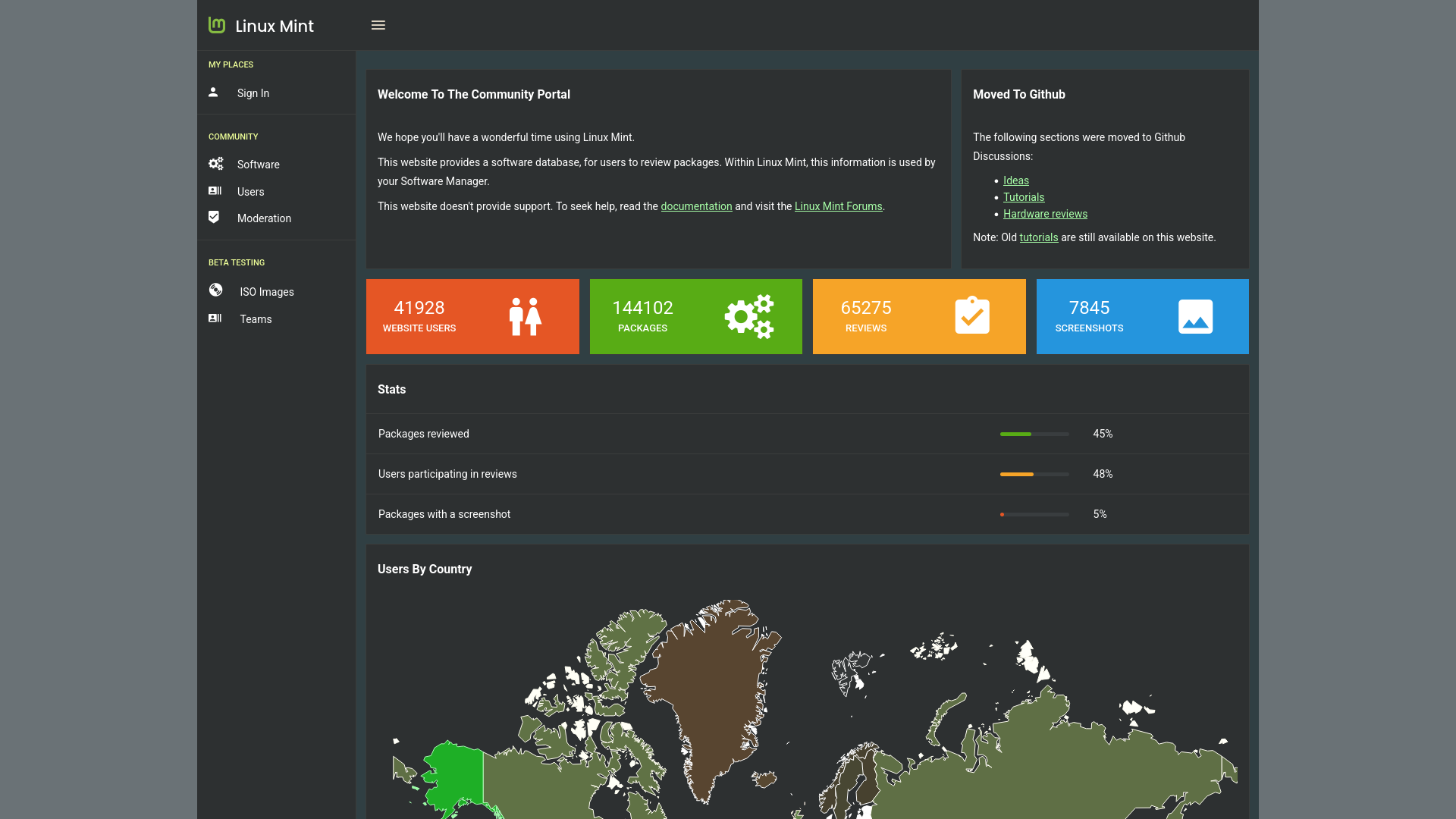
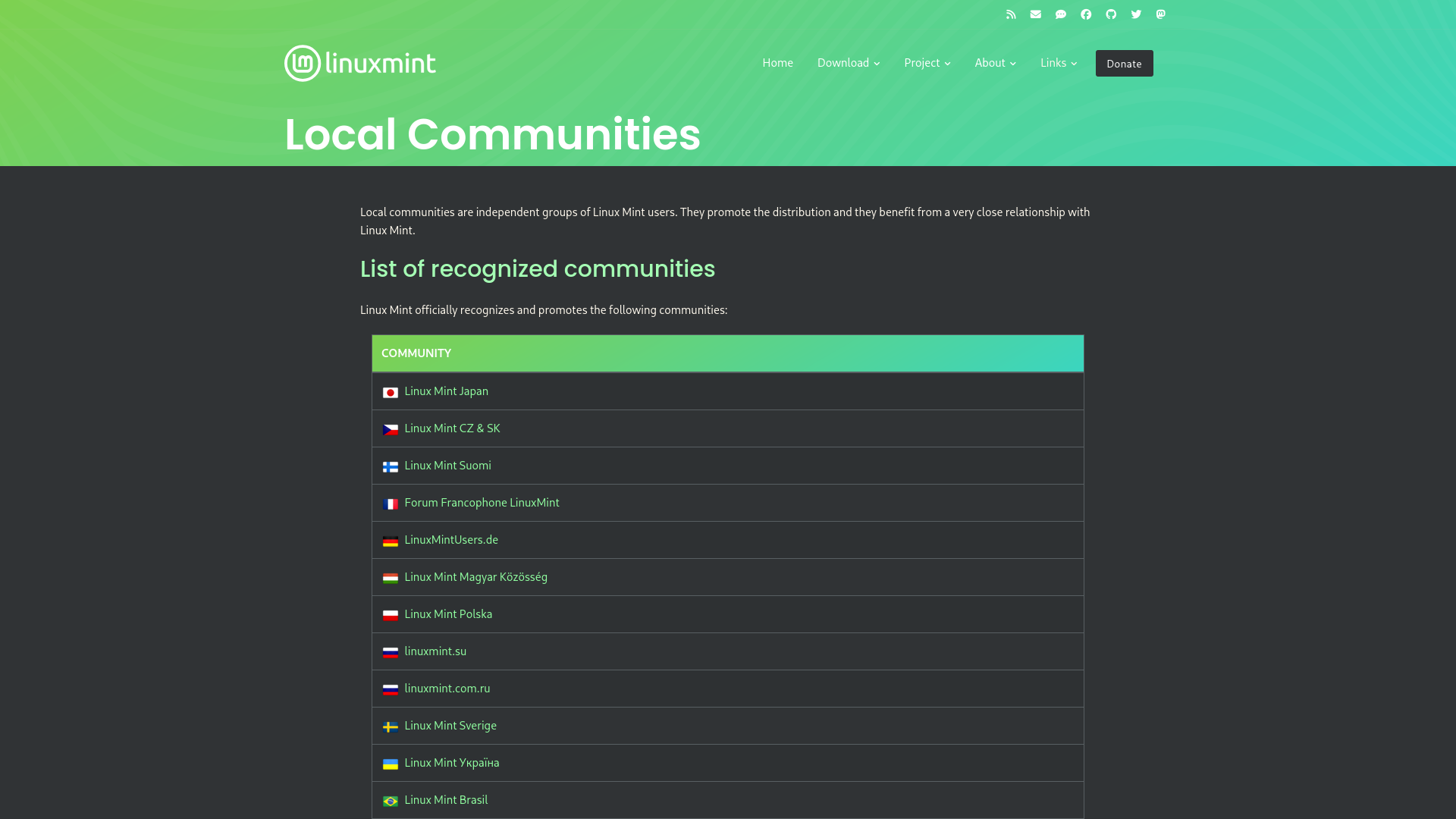
And complementing this, Linux Mint has its large and vibrant global community, supported by numerous smaller local groups around the world. On top of that, official spaces like the Linux Mint Forum, Subreddit, Discord server, and IRC channels make it easy to connect with other users, ask questions, and receive timely support.
So, Who is Linux Mint Intended For?
Linux Mint is a user-friendly Linux distribution known for its simplicity, stability, and out-of-the-box experience. It comes bundled with essential software, multimedia codecs, and powerful tools like Update Manager, Timeshift Backup Manager, and a Driver Manager, making it an excellent choice for beginners and everyday users.
Featuring three different desktop environments, which all provide a familiar, Windows-like interface, Linux Mint ensures that users transitioning from other operating systems can quickly adapt without a steep learning curve.
While Linux Mint prioritises stability over bleeding-edge updates, its strong global community, rich documentation, and customisable desktop make it a reliable choice for both newcomers and experienced users.
Frequently Asked Questions
Q: Which desktop environments are available in Linux Mint 22.2 how do they differ?
A: Linux Mint 22.2 offers three different editions. It mainly features Cinnamon (their flagship, homegrown desktop environment), as well as slightly customised version of MATE and XFCE. All three are visually similar with consistent icons, themes, and fonts. All of them install within 8-9 minutes and boot in approximately in 8 seconds. The primary difference between them is just resource usage.
Q: What are the system requirements for Linux Mint 22.2?
A: Linux Mint 22.2 only supports 64-bit hardware, you cannot install it on 32-bit machines. The distribution is usually very lightweight with the following performance: At ideal Cinnamon uses 750-760MB RAM, MATE uses 690-700MB, and XFCE uses 650-660MB. All editions maintain under 1% CPU load at idle and boot within 8 seconds on fresh installations.
Q: How long is Linux Mint 22.2 “Zara” supported?
A: Linux Mint 22.2 “Zara” is built on Ubuntu 24.04 LTS and is based on a Long-Term Support (LTS) kernel. It will receive updates and official support until 2029, making it a safe and reliable choice for years ahead without requiring system upgrades.
Q: Does Linux Mint support automatic updates?
A: Yes. The built-in Update Manager allows you to easily install updates, upgrade the system, and manage kernels.
Q: What package managers and software formats does Linux Mint 22.2 support?
A: Linux Mint 22.2 comes with the support of Graphical Software Manager, apt package manager (command-line, inherited from Debian/Ubuntu), Flatpak (universal containerised packages), and AppImage (portable applications). Being based on Debian and Ubuntu, it provides access to one of the largest software libraries available.
Q: What new features were introduced in Linux Mint 22.2 “Zara”?
A: Linux Mint 22.2 “Zara” now comes with Linux kernel 6.14, improved login screen with blur effects and user avatars, redesigned Sticky Notes with rounded corners, Fingwit (new XApp for fingerprint authentication supporting login, sudo commands, and admin apps), Hypnotix Theatre/Borderless modes with performance boosts, LibAdwaita theming compatibility, XDG Desktop Portal XApp accent color support across all editions, and multiple XApp/artwork improvements.
Q: How do I download Linux Mint 22.2?
A: Visit the official Linux Mint website and click the bold “Download” button. Choose your preferred desktop environment (Cinnamon, MATE, or XFCE)—each has separate Download, Features, and Release Notes pages. Download the ISO via torrent or official mirrors.
Q: Who is Linux Mint 22.2 designed for?
A: Linux Mint is designed for beginners and everyday users prioritising simplicity, stability, and out-of-box functionality. It’s ideal for users transitioning from Windows (thanks to familiar Windows-like interface), those wanting pre-installed essential software and multimedia codecs, users who value stability over bleeding-edge updates, and anyone seeking comprehensive documentation and strong community support. Additionally, all three desktop environments of Linux Mint 22.2 provide low learning curves for newcomers.
📑 If you enjoyed this article, you may also like our guide on:
🎬 Prefer watching? Here’s the detailed video:
💬 Engage With The Community:
🔀 Share this Article: