
Find The Right Linux Distro Using DistroWatch
Quick Summary
Finding the right Linux distro can feel overwhelming when Google is full of “Top 10 Linux distros” and conflicting recommendations. Instead of guessing, you can use the search tool on DistroWatch to filter distributions by category, release model, and desktop environment to find what actually fits your needs.
Main Article
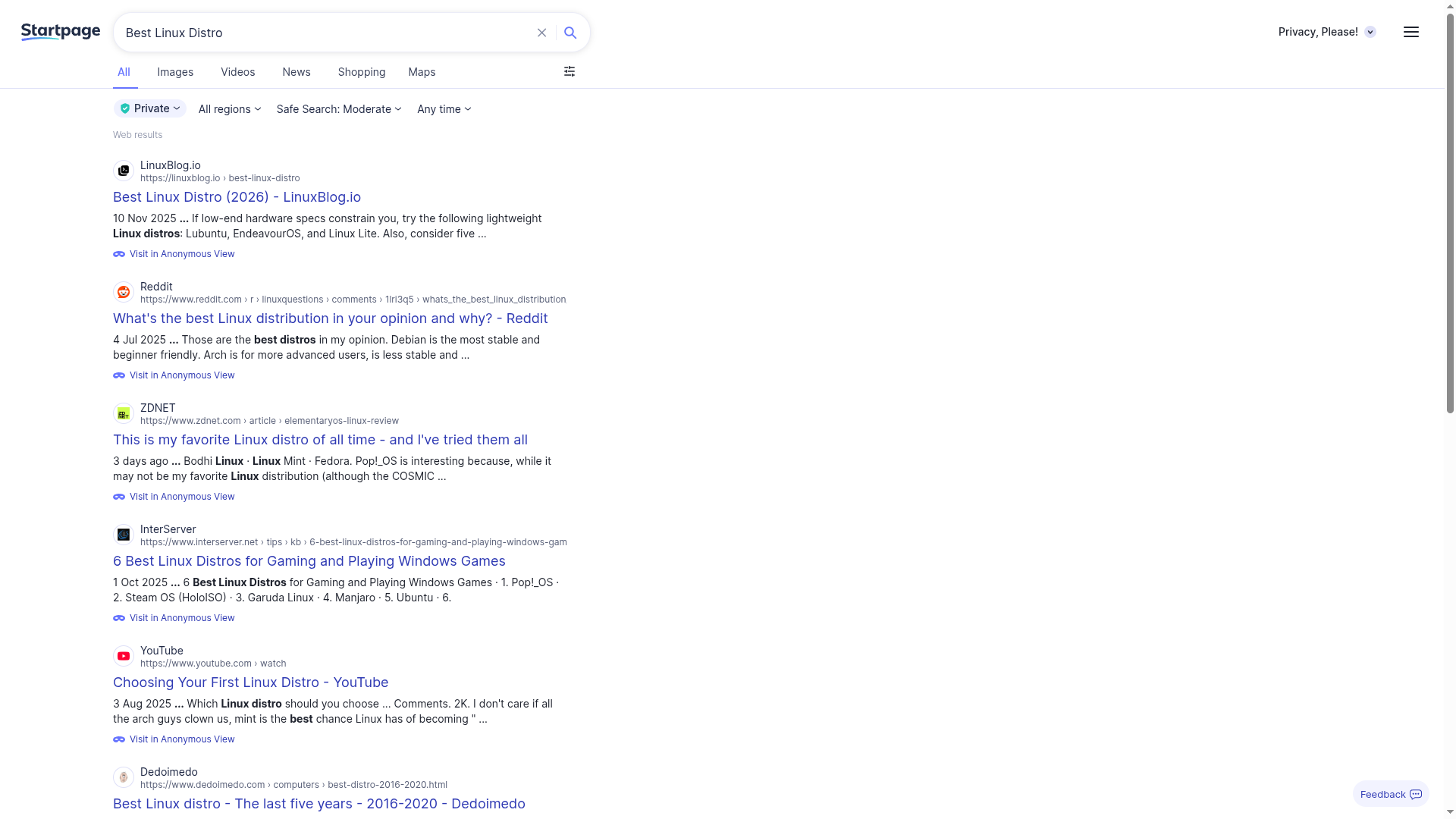
Searching for the perfect Linux distro is overwhelming because Search engines throw endless “Top 10” lists at you, which contradict each other, and Reddit threads argue for days.
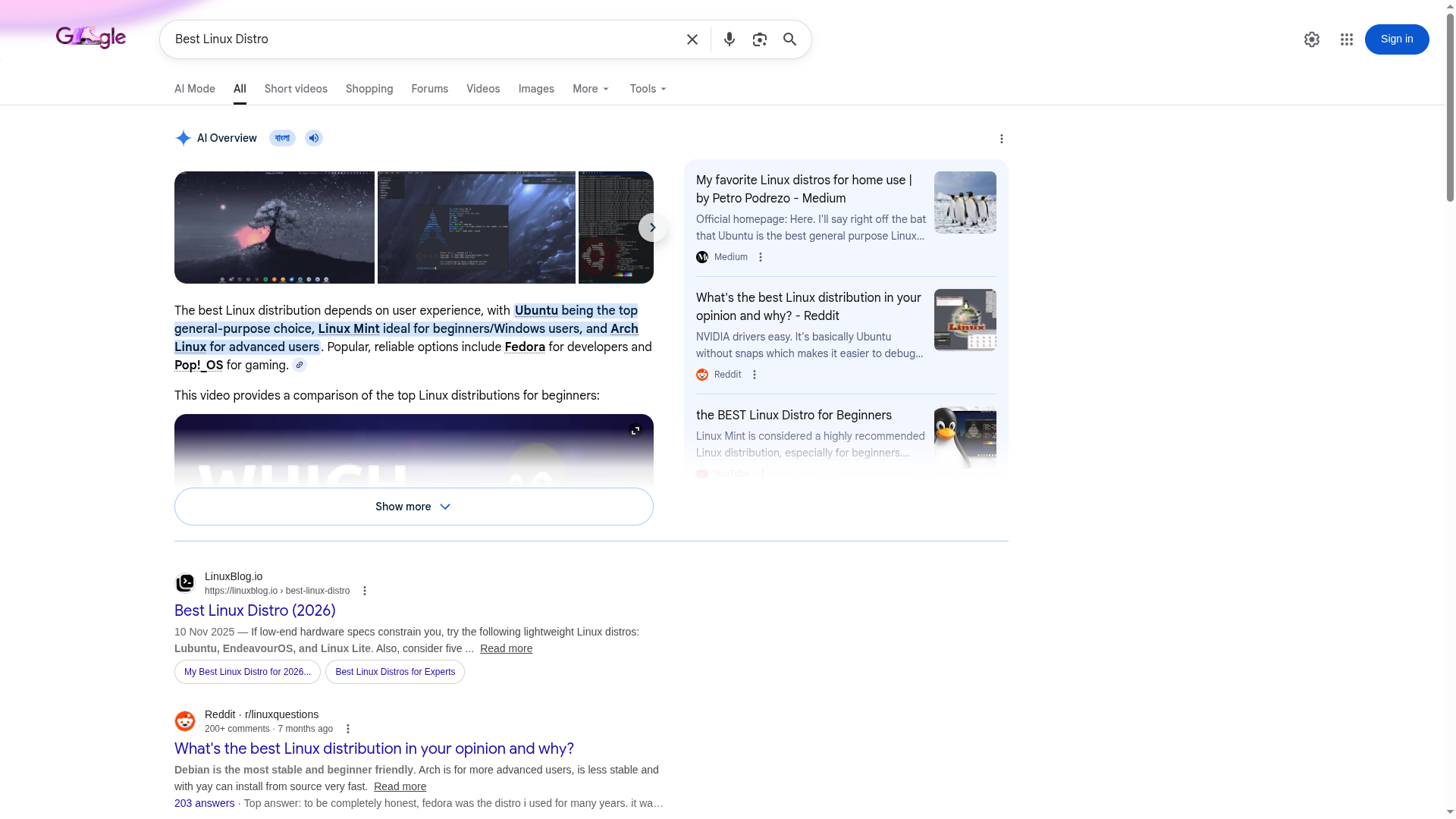
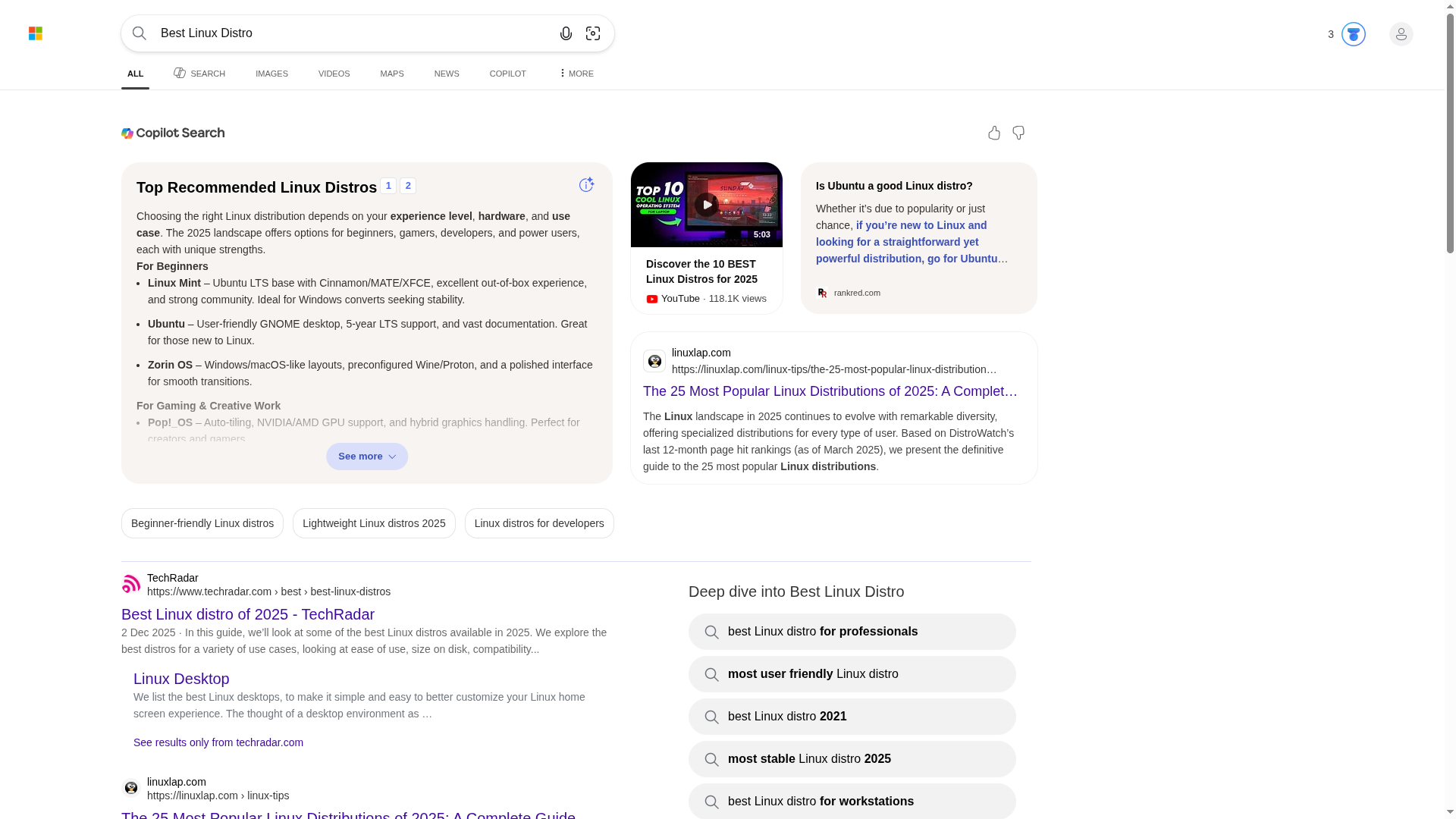
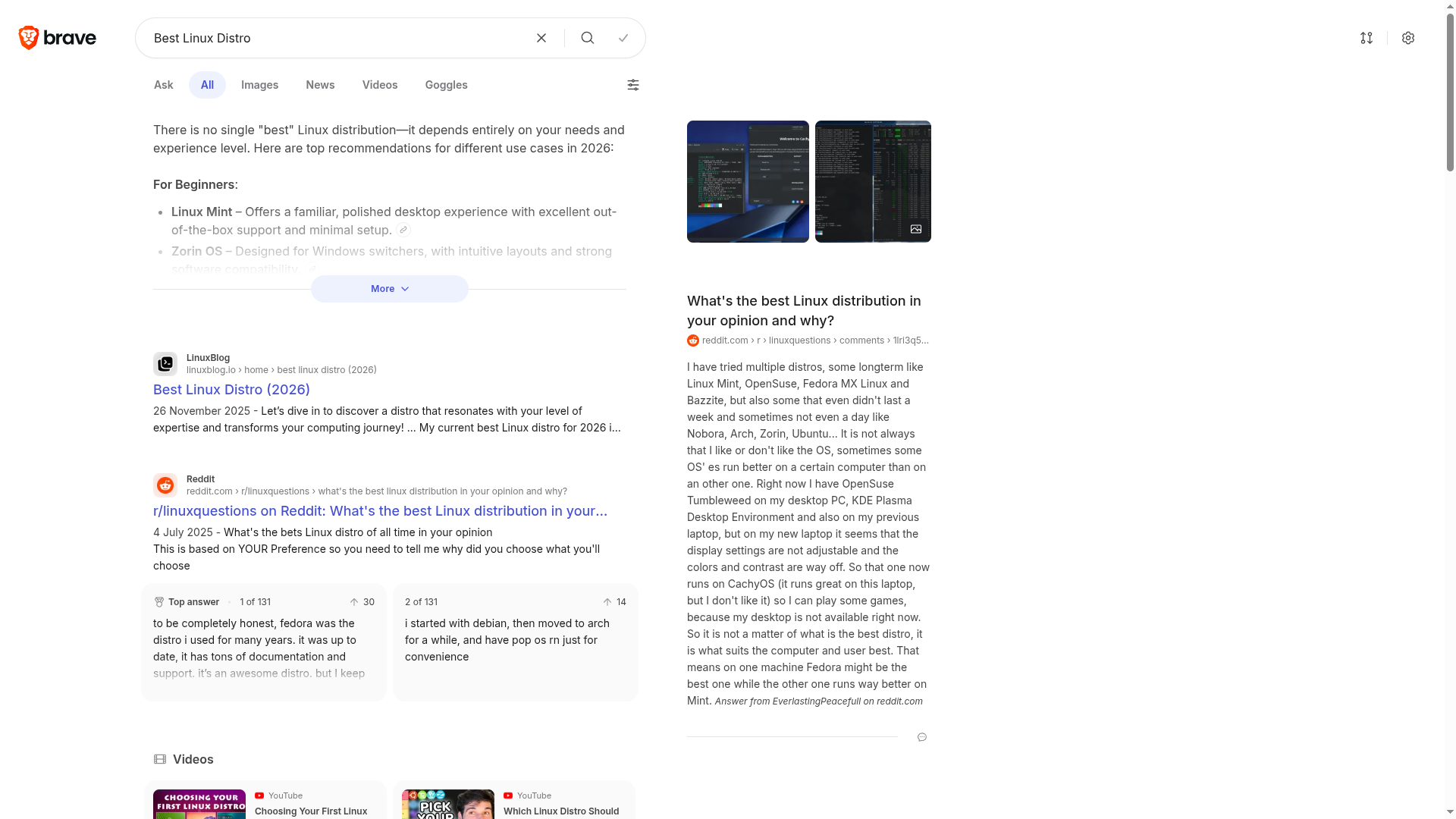
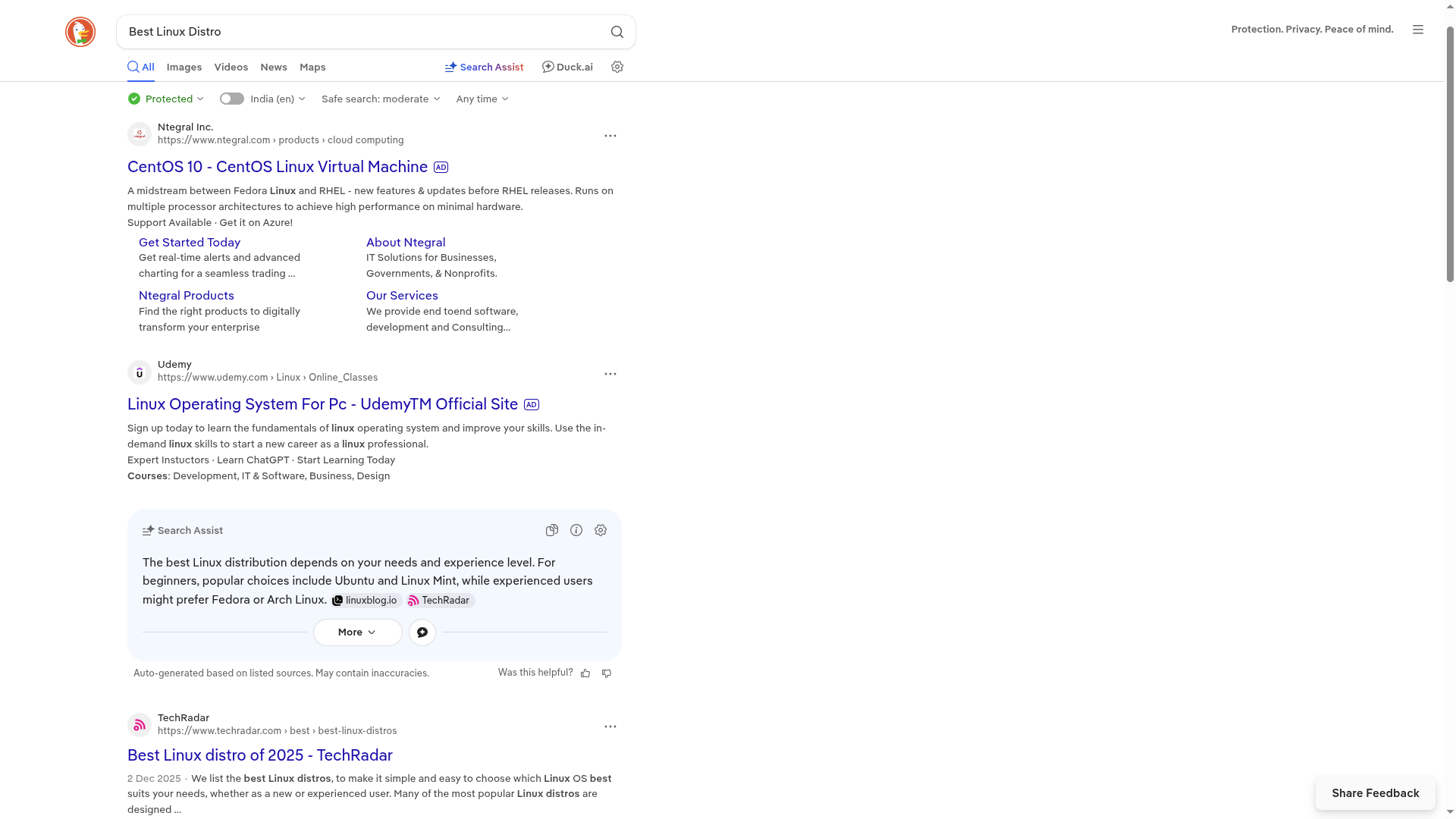
But Unlike Mac or Windows, Linux doesn’t have a “one size fits all” version. Distros that suit others may not be the right option for you. Because there are literally hundreds of Linux distributions, each designed with a unique purpose. Some are beginner-friendly, like Linux Mint and Zorin OS. Others, such as Debian and Arch, are developed for power users who want complete control. Then there are distros for privacy, gaming, high performance, and other specialised use cases.
But there is a better way to simplify this chaotic distro search process, using a website called DistroWatch.com.
What Is DistroWatch?
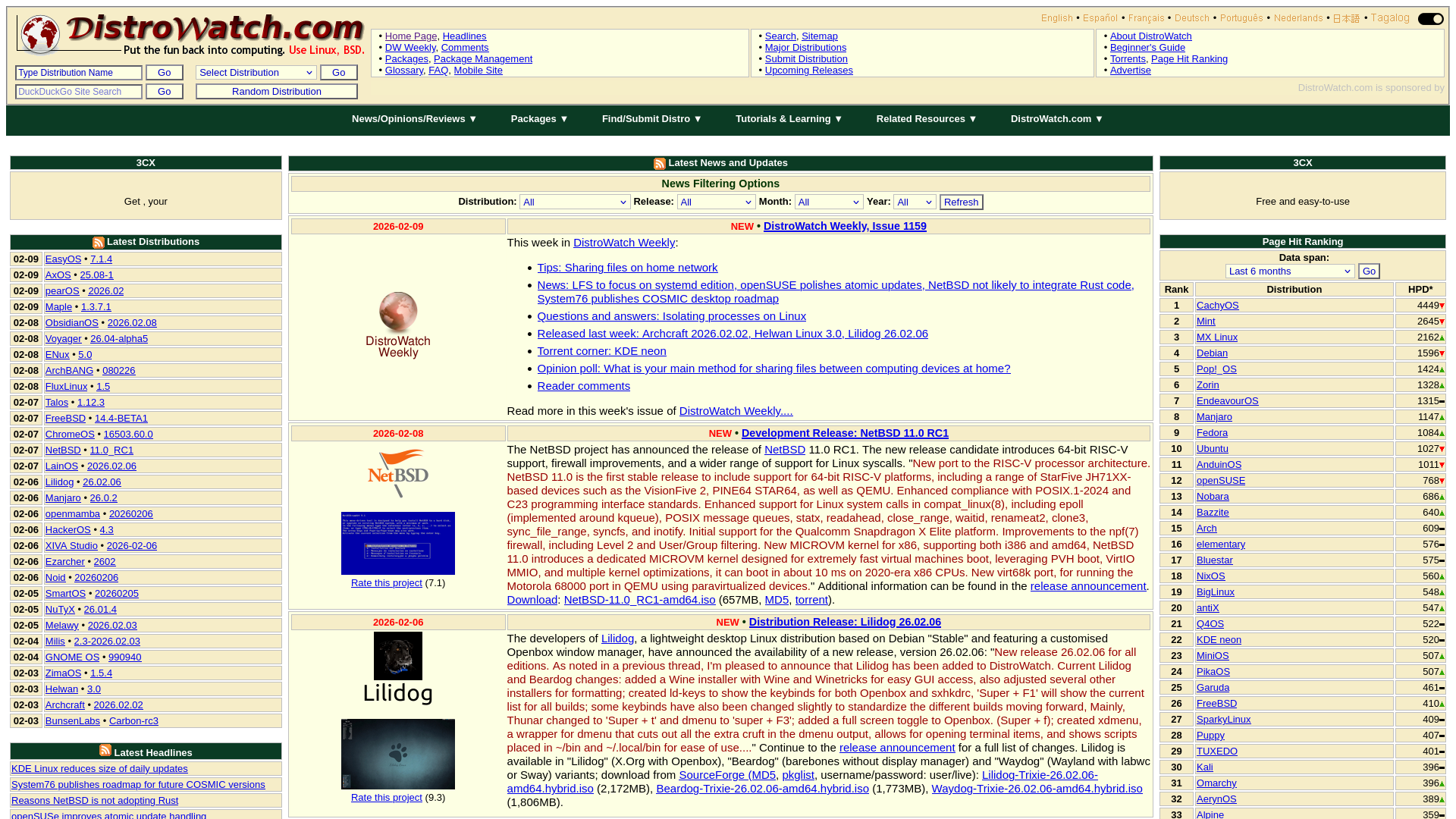
DistroWatch is a popular website dedicated to the world of free and open source software and operating systems. Here, you can find a wealth of information, particularly on Linux distributions, flavours of BSD, and other open-source operating systems. Everything on this website is presented in an organised, consistent manner, and it is very easy to use.
How to Use the DistroWatch Search Tool
Step 1: Go to the Search Page
Visit DistroWatch.com and go to the “Search“ page using the link in the top-mid section of the page.

The DistroWatch Search page includes not one but two different types of search forms, which can be used to search for a particular distribution based on certain criteria. The first form uses drop-down menus and the second one uses check-boxes. These help to narrow down options based on your personal preferences, ensuring that you find the perfect Linux distro tailored to your needs.
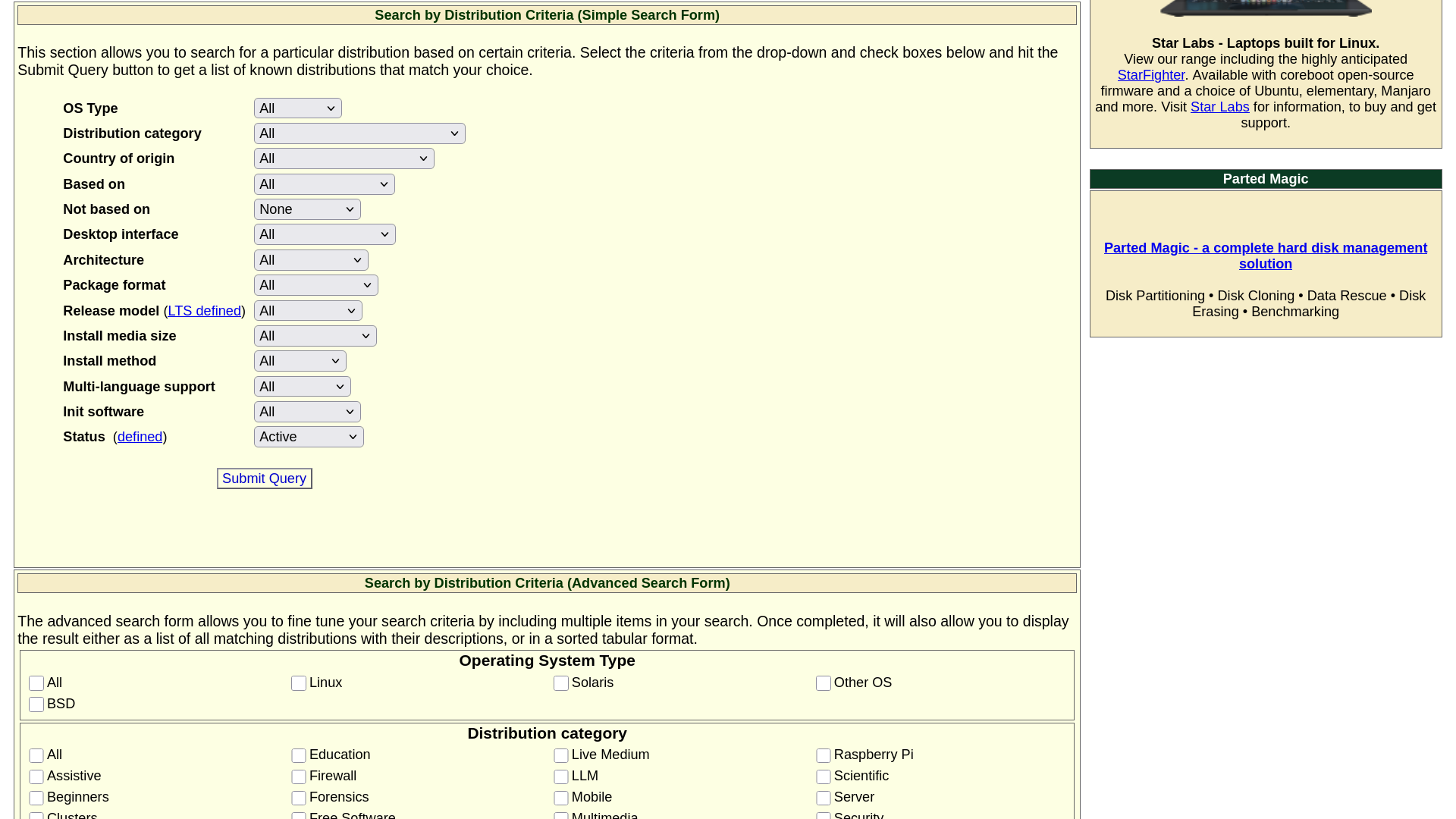
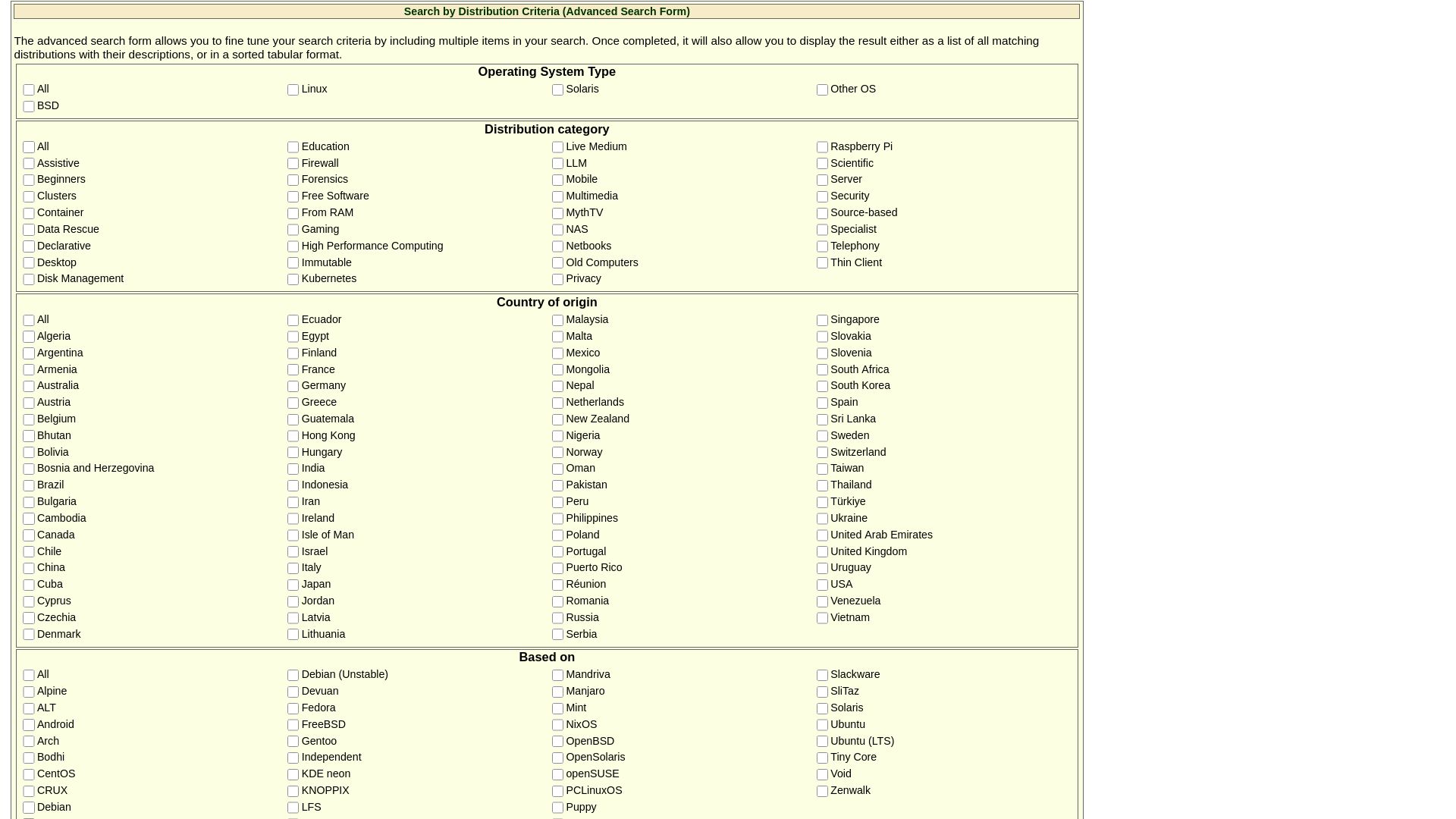
At first sight, these two forms might look different, but they are totally the same. Both of these forms consist of 14 questions, covering topics such as the type of operating system, their categories, country of origin, desktop interface, release model and so on. You can use whichever you like, because the end result will be the same.
DistroWatch Search Walkthrough
Question No.1: Operating System Type
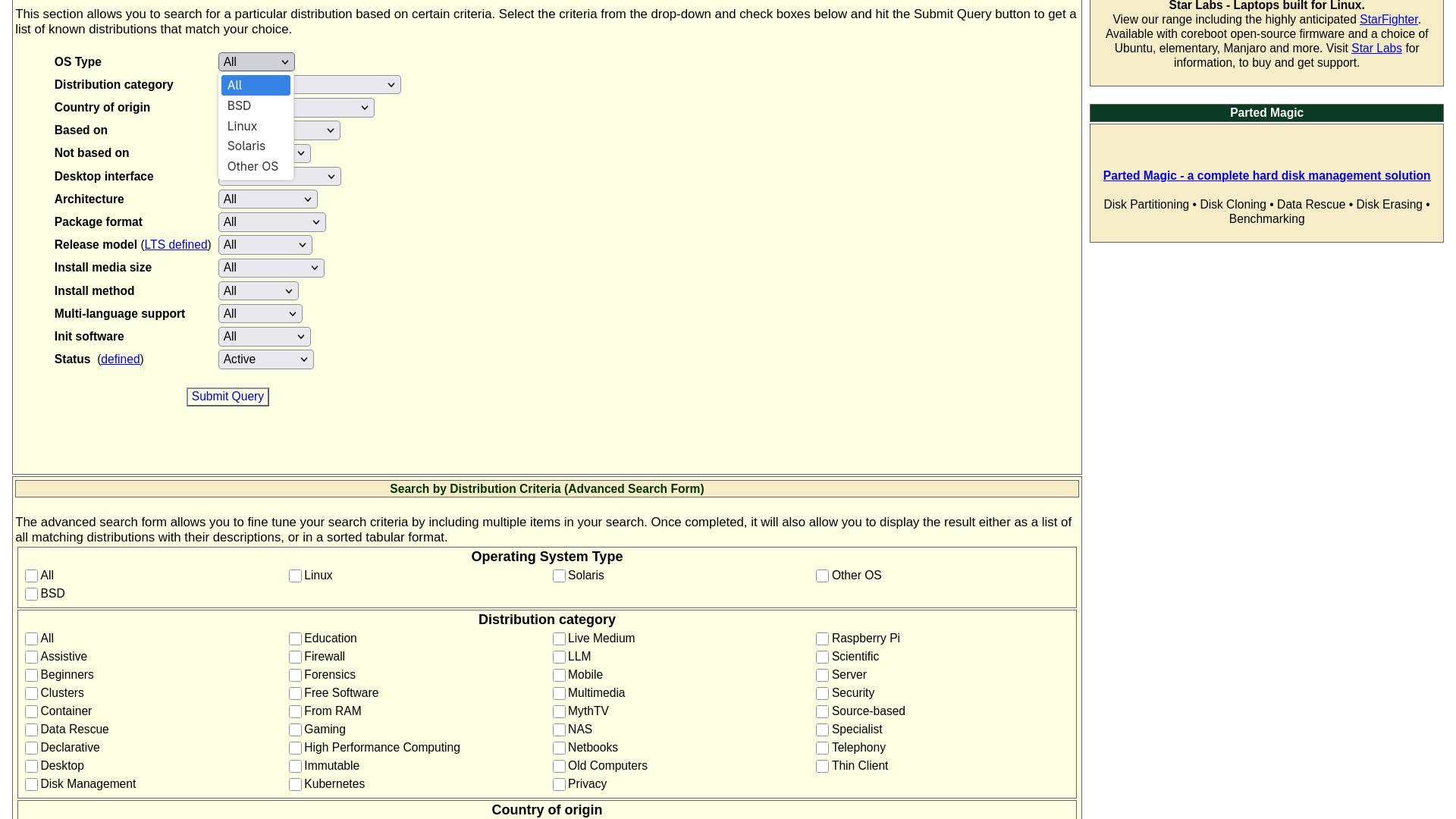
In total, there are five options: All, BSD, Linux, Solaris and Other OS.
If you are unsure about any question or answer, you can leave it as default, which in this case is “All”. But to fine-tune your search, you have to select an option. For most people, “Linux” is the right choice. But you can choose BSD, Solaris or even Other OS, if you want to try something entirely different.
Question No.2: Distribution Category
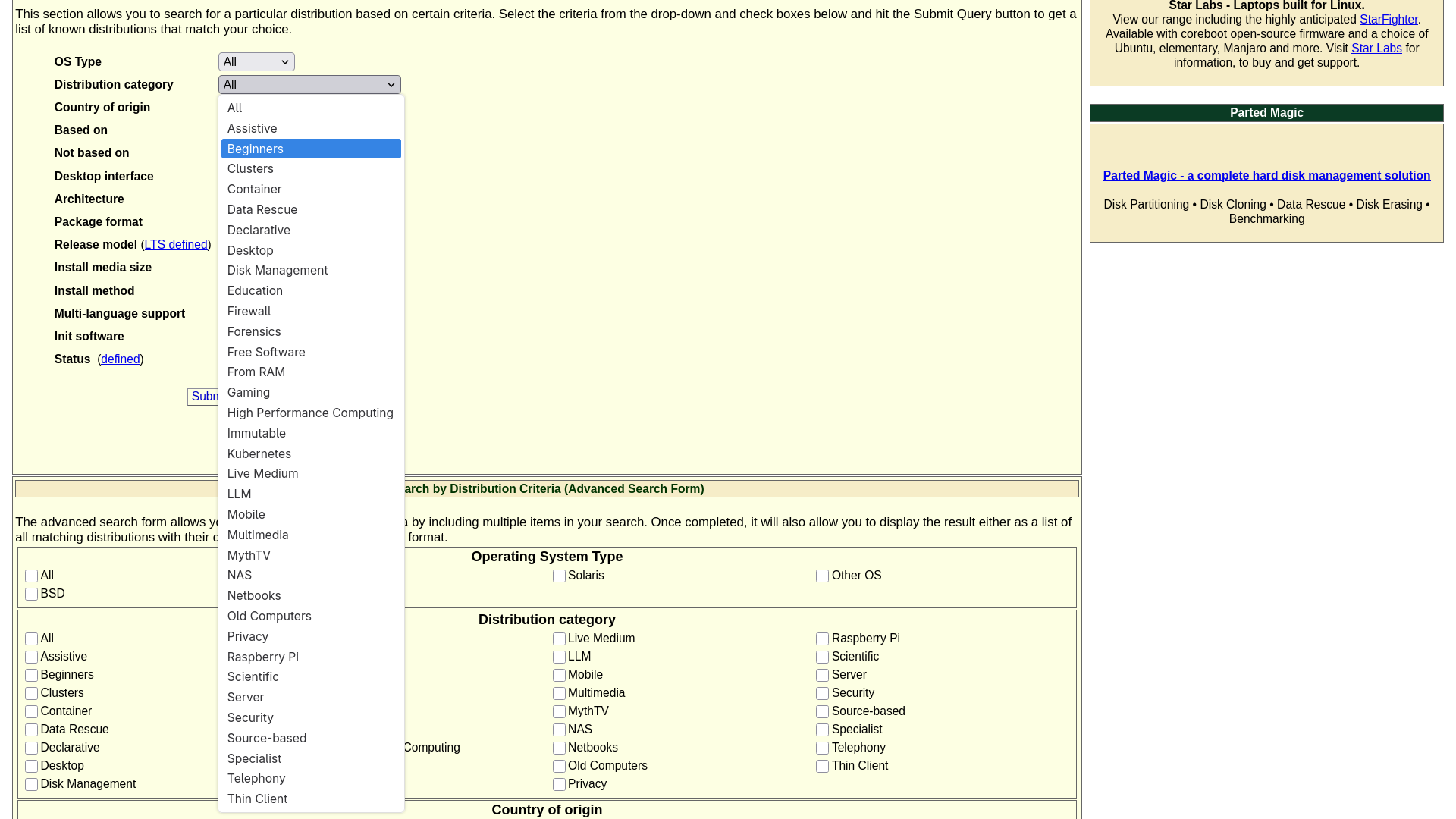
Here, you have to select what kind of Operating System you want. You can select from the likes of “Beginners”, “Education”, “Gaming”, “Privacy”, and so on. Or you can go with “Old Computer” if you want to run your Operating System on an old PC.
But if you are unsure, the best option you can select is “Desktop”, which will list all those Distros which are meant to be run on a Personal Computer. For beginners, I recommend selecting “Beginners”.
Question No.3: Country of Origin
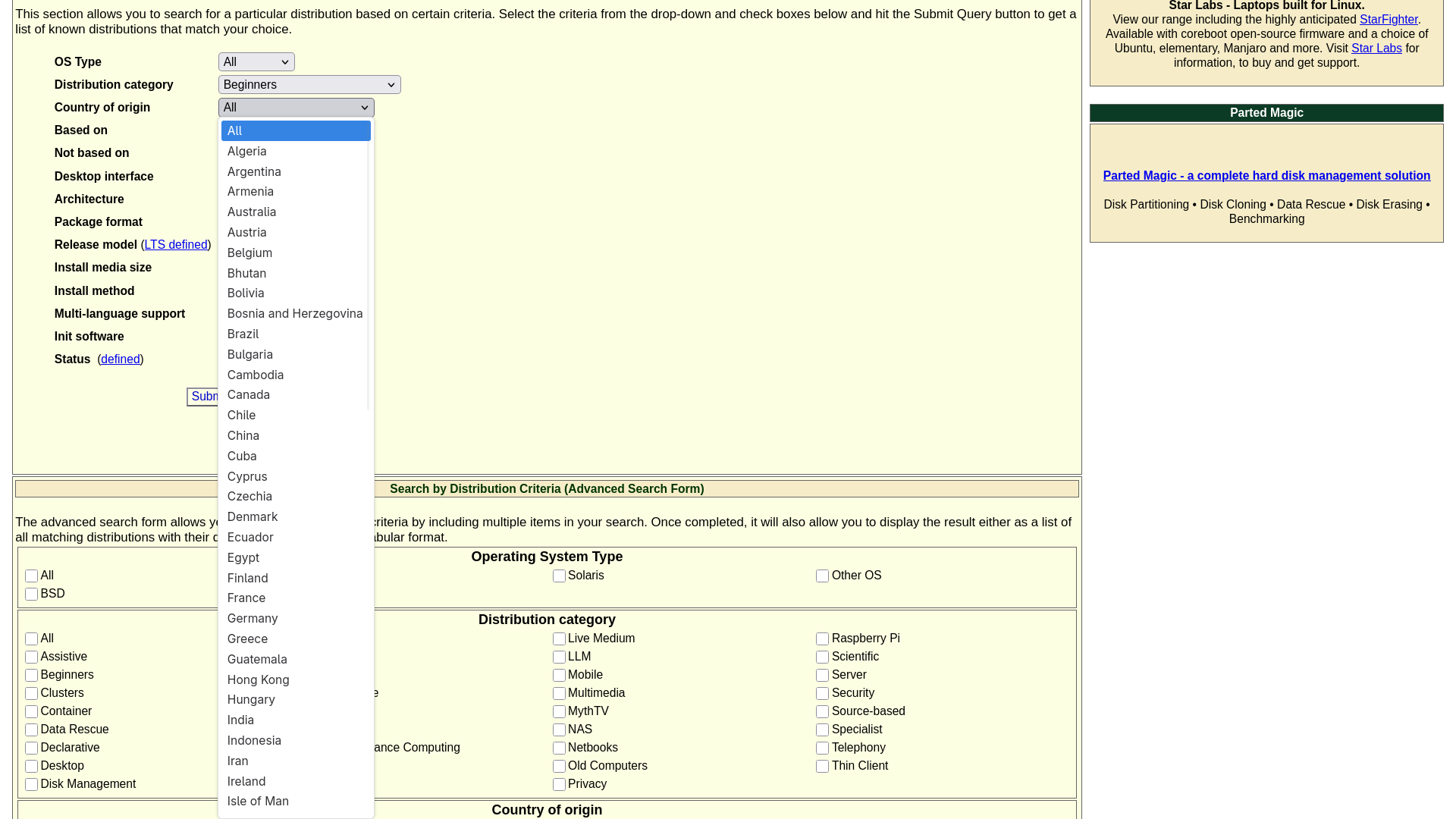
The best option for this is to keep it as the default. This way, it will list all of the best distros from all around the world. But if you want to select a country, you can definitely do that. Just keep in mind that if you select a country from this list, the results will only show the distros developed in that specific country.
Question No.4: Based On
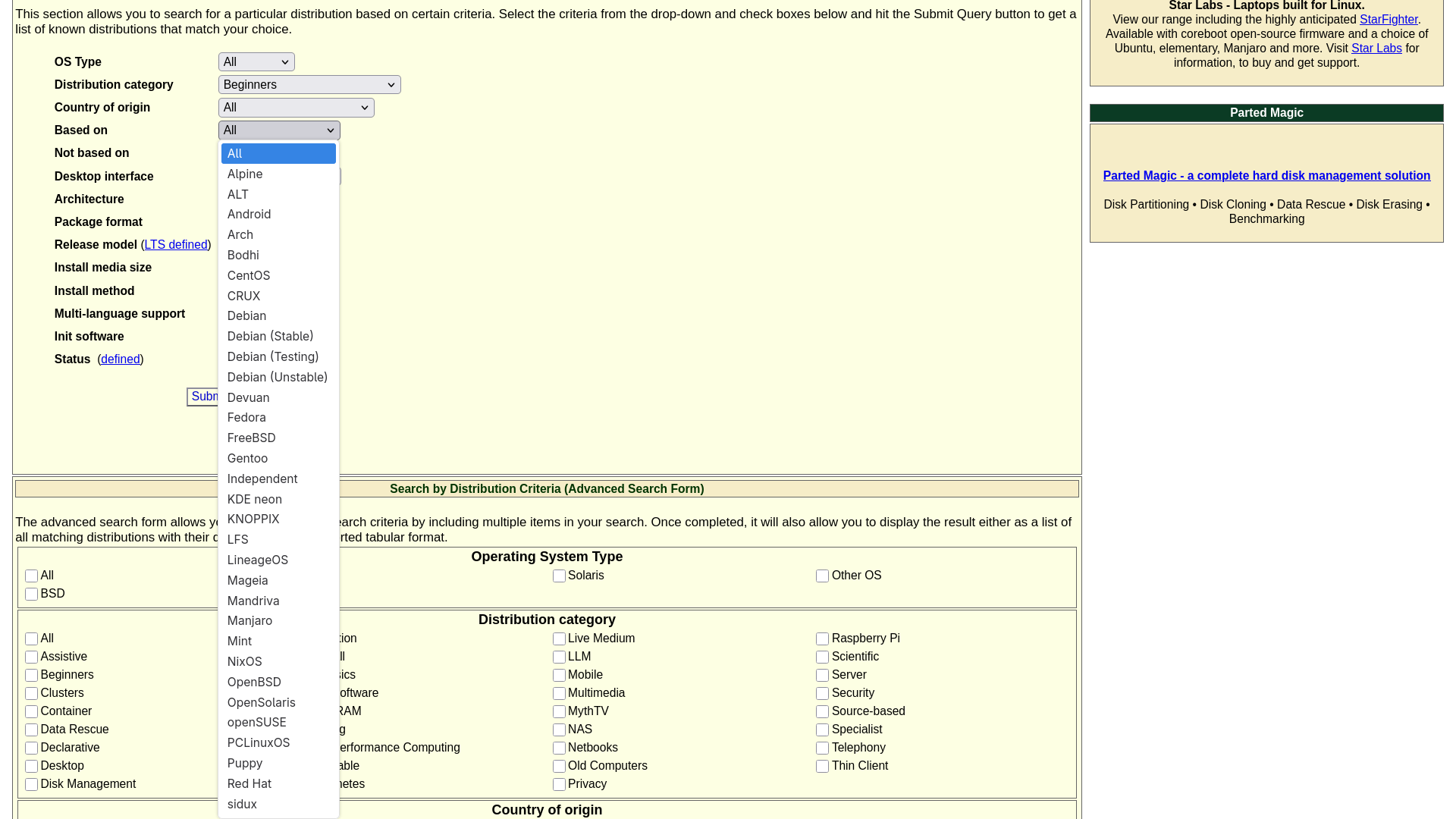
So what does this mean? Usually, what happens is that, in the world of free and open source operating systems, users and hobbyists fork or create a new operating system from the existing ones. Their reason could be anything; they might want to add some features, or want to change how it looks or functions. This is the main reason why there are so many distros in Linux.
So if you want to list all the best distros, keep it as the default. But you can fine-tune the result by selecting from the likes of “Arch”, “Debian”, “Fedora”, and so on. In that case, the result will list only those distributions which are based on the project you selected. Like Manjaro is based on “Arch”, Ubuntu is based on “Debian”, and Bazzite is based on “Fedora”.
For beginners, I recommend keeping it as “All” or selecting “Debian” because Debian-based distros have the most beginner resources available.
Question No.5: Not Based On
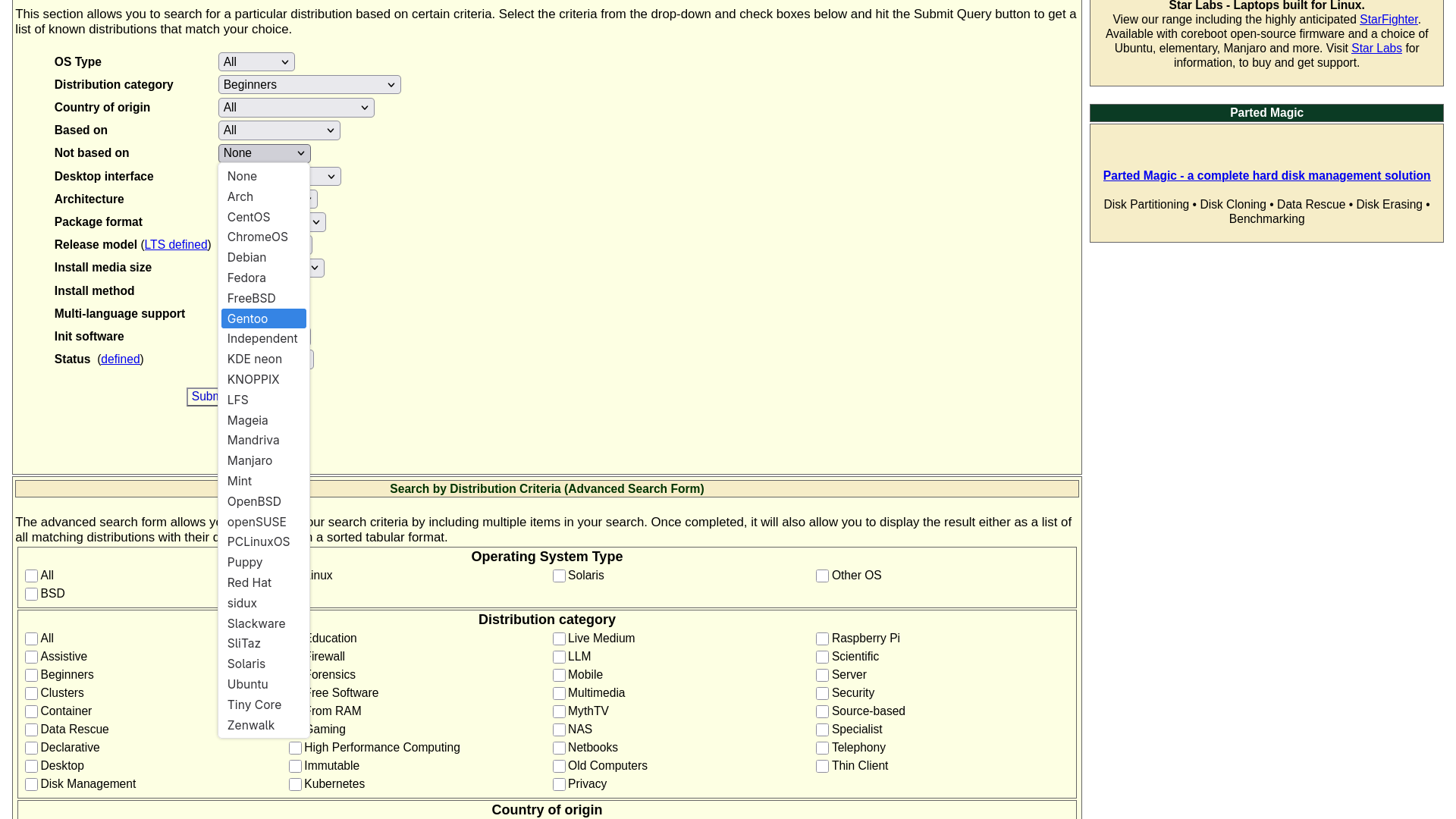
As the name suggests, this is the opposite of Question No.4. Meaning if you select any option from this list, distributions which are based on the project you selected will be removed from the results.
The best way to use Question No.5 is to combine it with Question No.4. For example, you can keep Question No.4 as the default, and in Question No.5, select one option, for example, “Gentoo”, which is considered as one of the hardest distros to use and maintain. So when the results are listed, it will remove all distros based on the Gentoo family.
But for most users, keeping this as “None” will be the best choice.
Question No.6: Desktop Interface
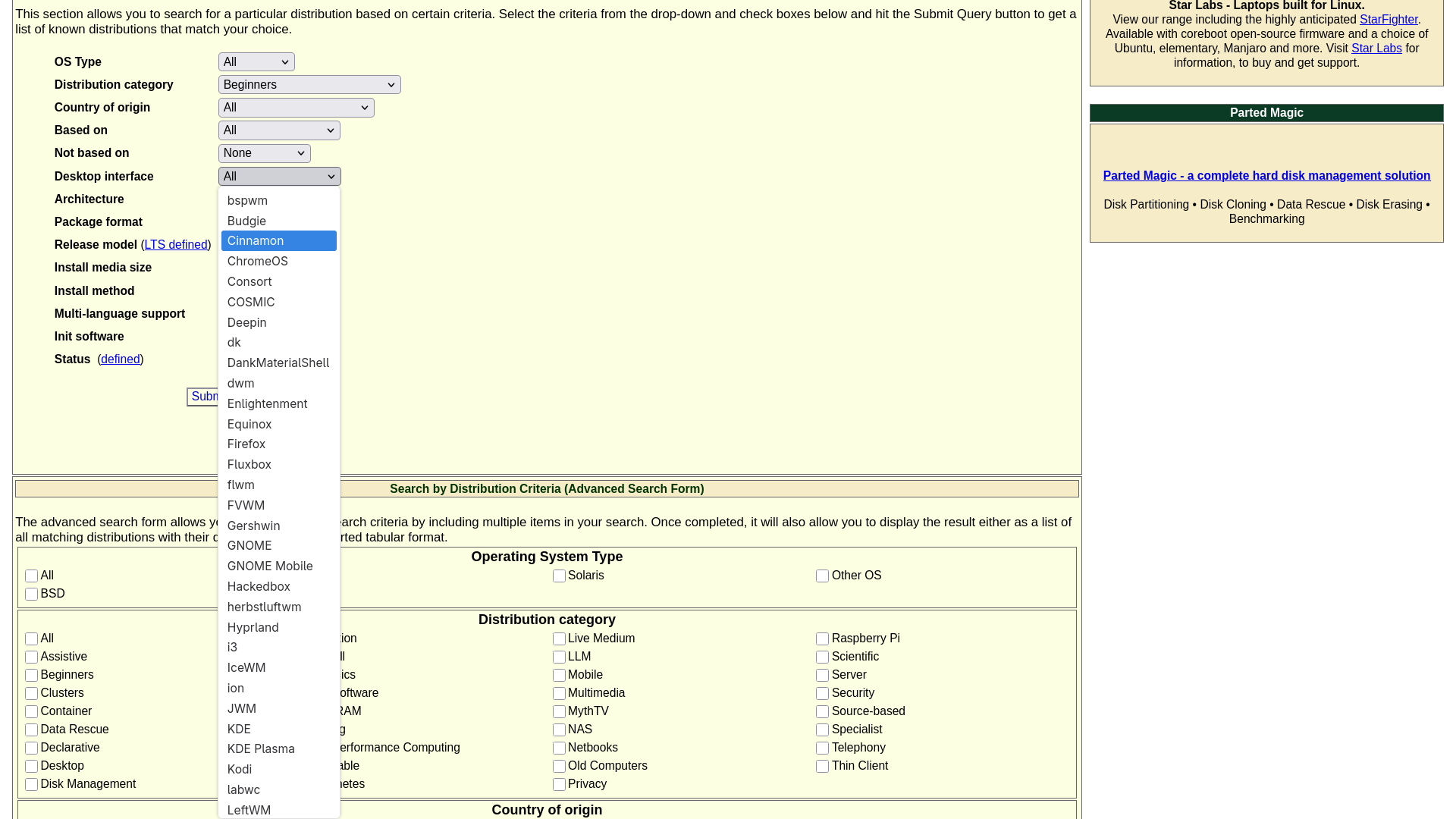
In my opinion, if you do not have any knowledge about the desktop interfaces used in Linux and BSD setups, then it is better to keep this as the default.
But if I have to suggest in short, I will tell you to go with Desktop Environments, because they are designed for beginners. And “GNOME”, “KDE”, “XFCE”, and “Cinnamon” are among the most commonly used Desktop Environments out there.
Question No.7: Architecture
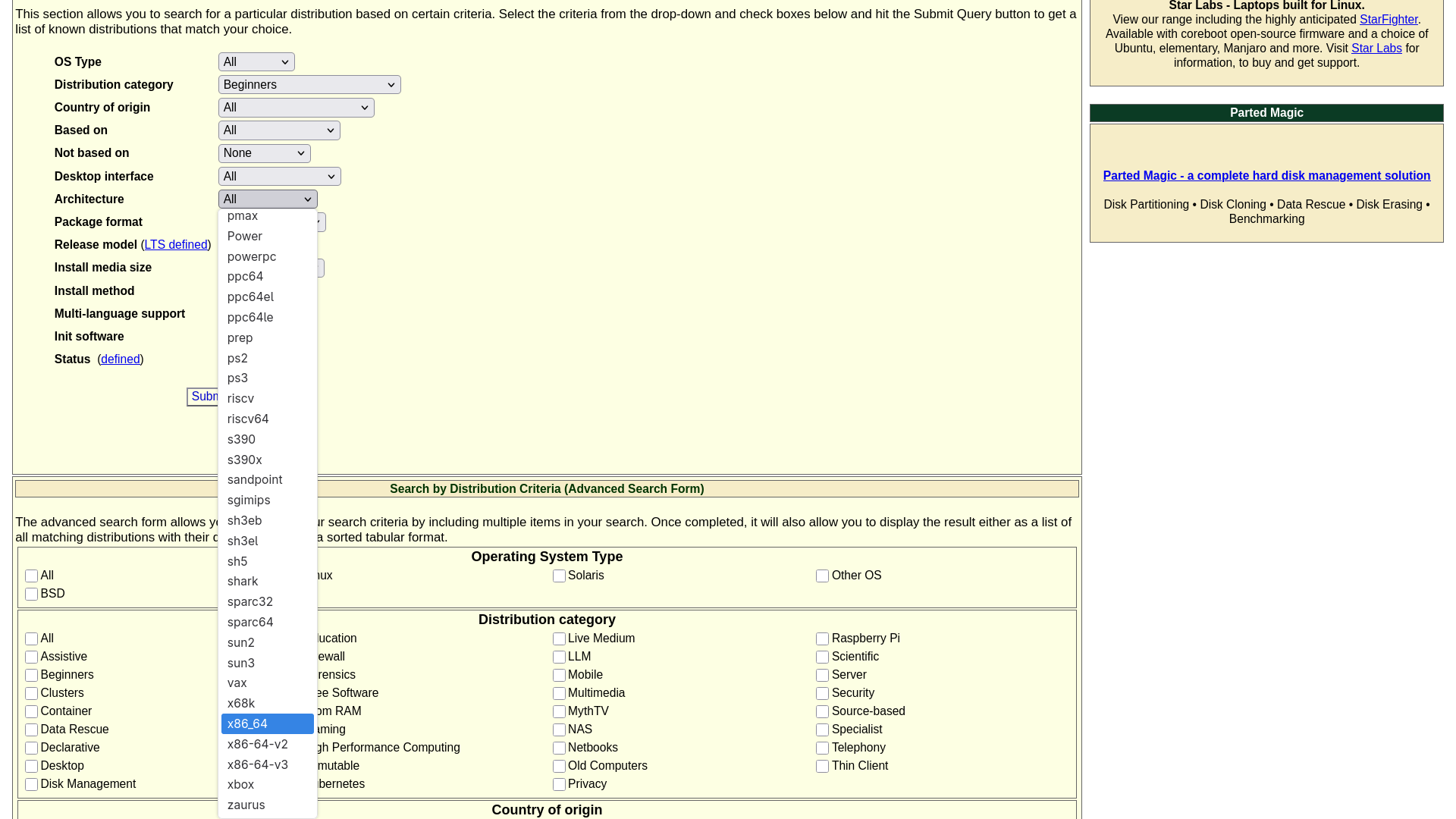
Architecture, or in simple words, the CPU type. If you are using an Intel or an AMD CPU, like most computer users, then the simple answer is ”x86_64”. But if you are using something different like an ”ARM” system or a ”PowerPC”, then you have to select likewise.
Question No.8: Package Format
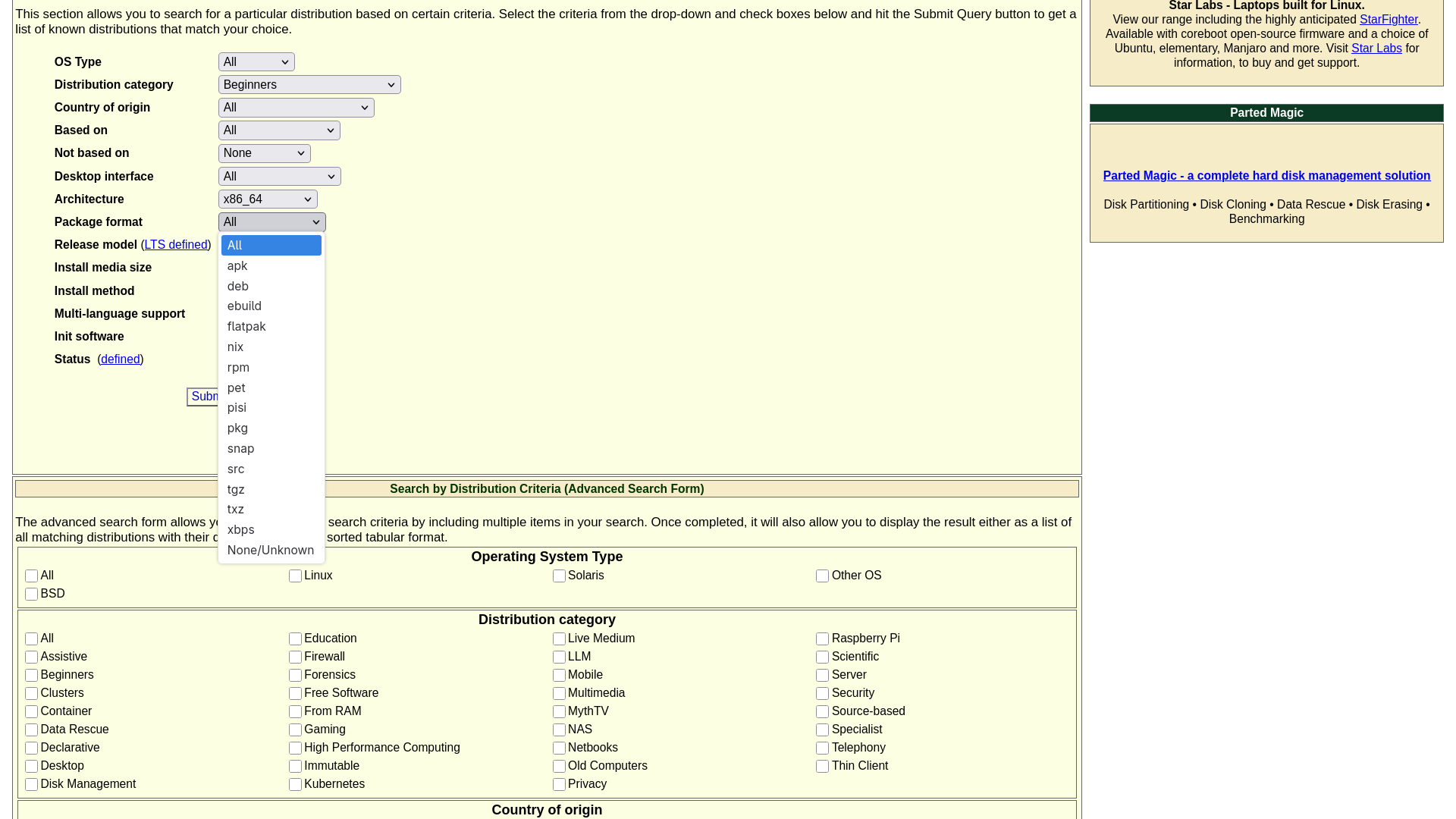
If you are looking for absolute beginner distros, then there are only three considerable options, which are “deb”, “flatpak”, and “snap”. Not because they are just easy to use, but because you will find plenty of troubleshooting guides related to them on the web as well.
But keeping it as the default works fine too.
Question No.9: Release Model
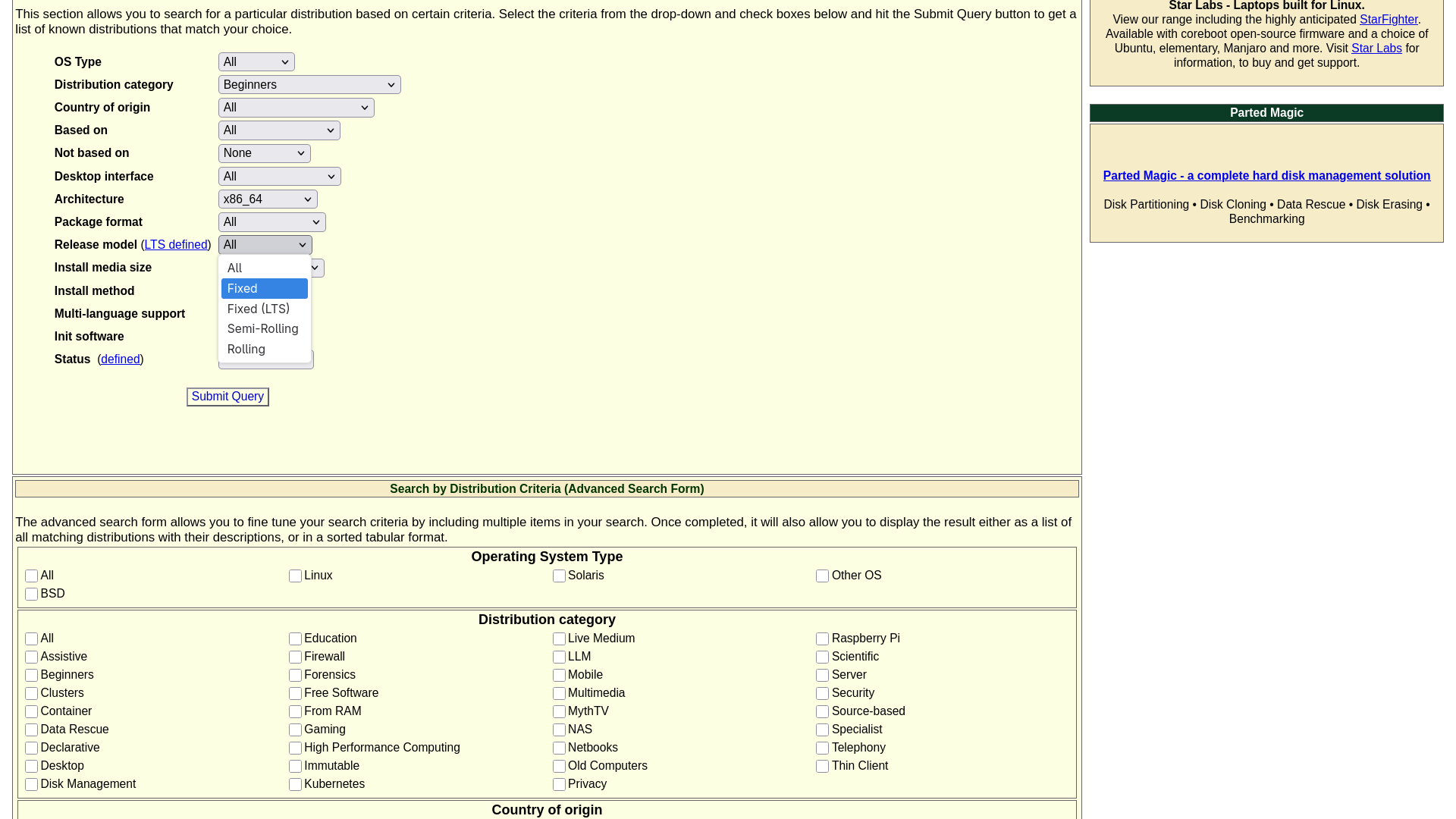
There are five options in total. The default one is “All”. After that, we have “Fixed”, selecting this option will list those distros, which regularly releases a new version of their distro, that too in a fixed schedule, like in 1 or 2 years. Then there is “Fixed (LTS)”, these distros too releases new version in a fixed schedule, but they are always based on Long Term Support Kernel. Next is “Semi-Rolling”; these distros focus on constantly updating their current version, instead of releasing a new version. You will receive updates every week or every 10 days. And with “Rolling” release distros, you will receive updates almost every day, but this also makes them prone to breaking.
Fixed releases are considered stable and safe for beginners. So in my opinion, selecting “Fixed” is the best option here. But if you like a little bit of adventure, you can go with ”Semi-Rolling”.
Question No.10, No.11, and No.12: Install Media Size, Installation Method and Multi-language Support
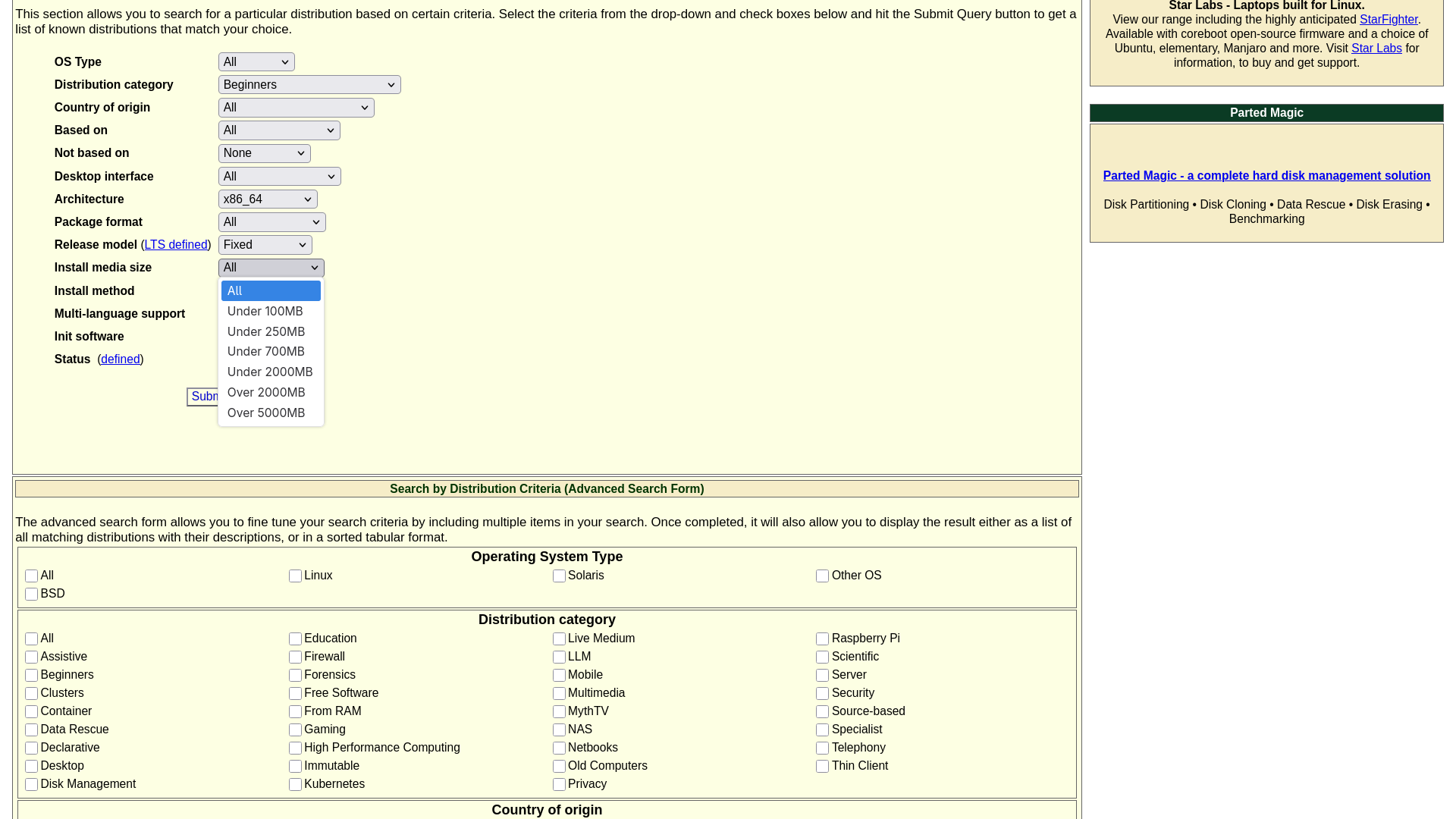
In my opinion, nowadays these questions are irrelevant. The size of an installation media doesn’t change the core ability of the installer. Modern USB drives are large and fast enough to fit and boot any installation media or ISO file easily and reliably.
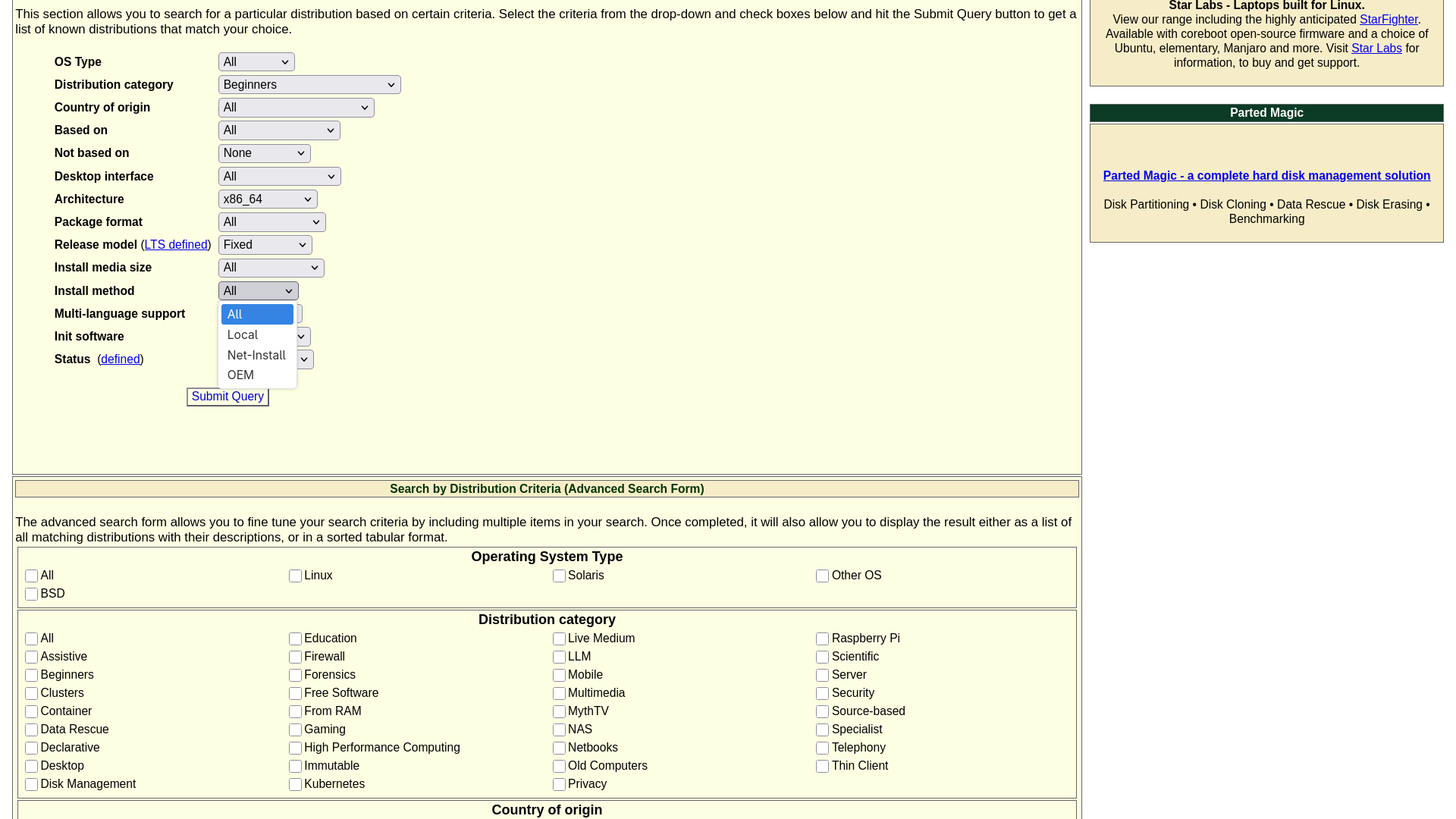
The same goes for the installation method. With widespread fast internet and large USB drives, they usually don’t matter in the final outcome. Be it a local full installer or a net installer, all of them produce the same working system.
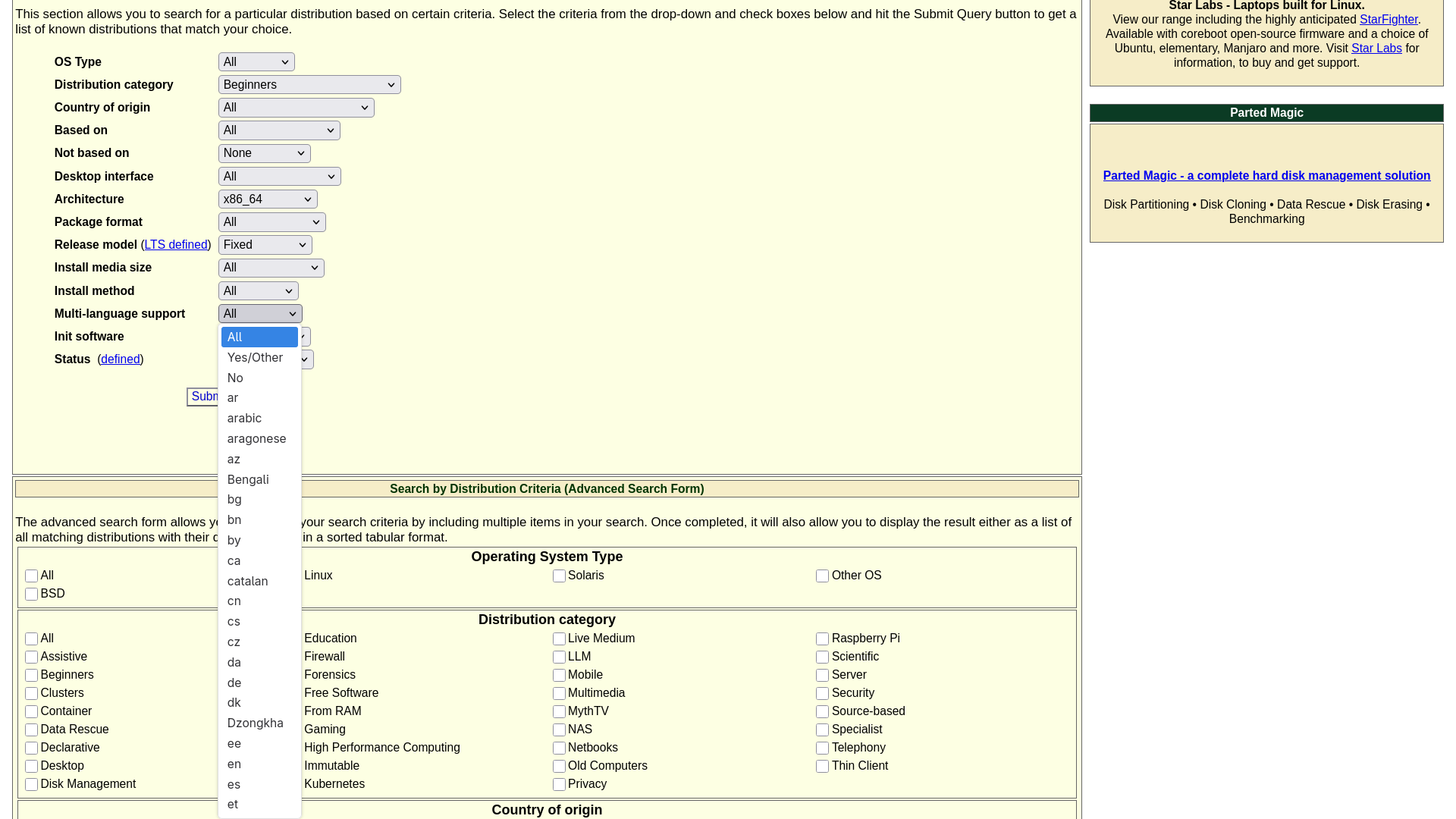
And today, every modern installer and desktop environment includes extensive multilingual support and missing languages can easily be installed later.
So all three of these can be left as the default.
Question No.13: Init Software
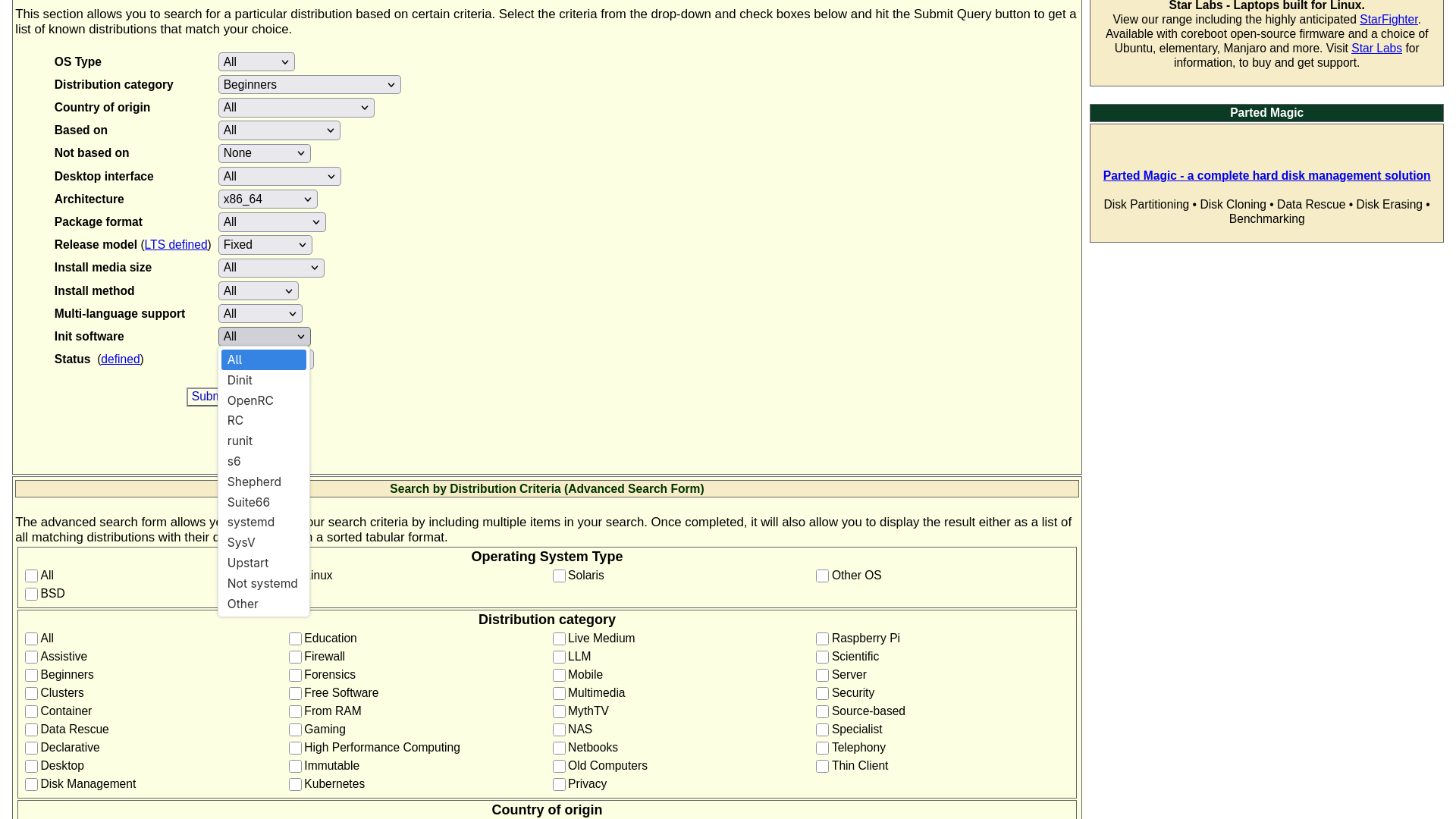
If you are unaware, init software is the first thing that starts in an operating system when you press the power button. It manages all the services and processes during boot. Then it sets the system state, handles shutdown, etc.
”systemd” is the most commonly used init software, and most modern Linux distros use it. But hardcore users hate it because they believe systemd does not follow the core Unix concept of modularity and minimalism, and it is highly centralised. Therefore, they prefer other popular options like ”runit”, and ”OpenRC”.
But if you are like me, who does not care about init software, or you are totally unaware of what init systems are, then the best choice will be to leave it as the default.
Question No.14: Status
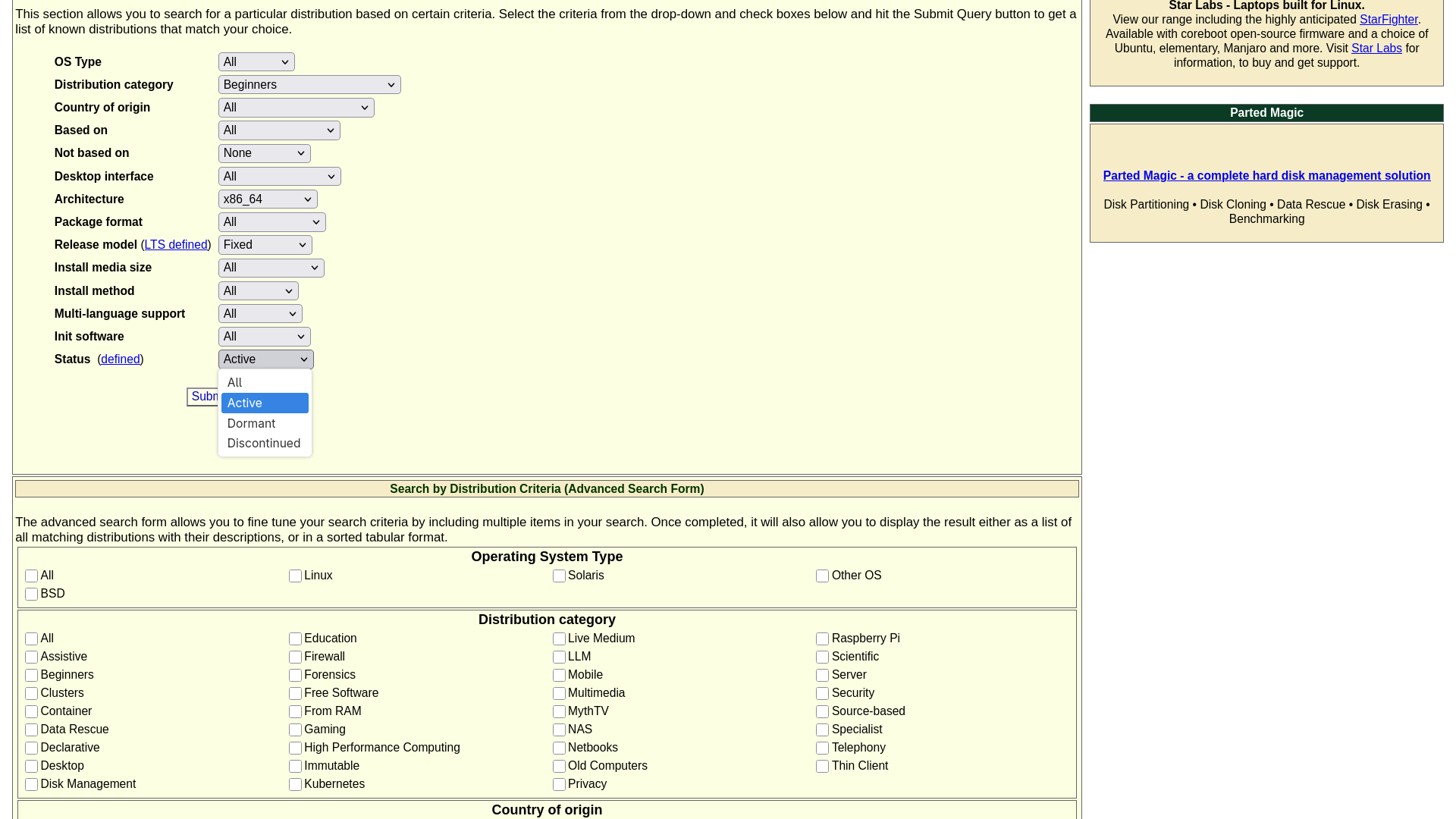
There are three options here: “Active” means the Distros which are actively maintained, “Dormant” means these distros are not maintained properly, and they have not released a new version for more than two years and “Discontinued” means these distros are no longer being developed, and they are basically dead projects.
So here the obvious choice is “Active”. Because who will want to use a dormant or discontinued operating system and involve themselves in security risks?
Understanding The Results
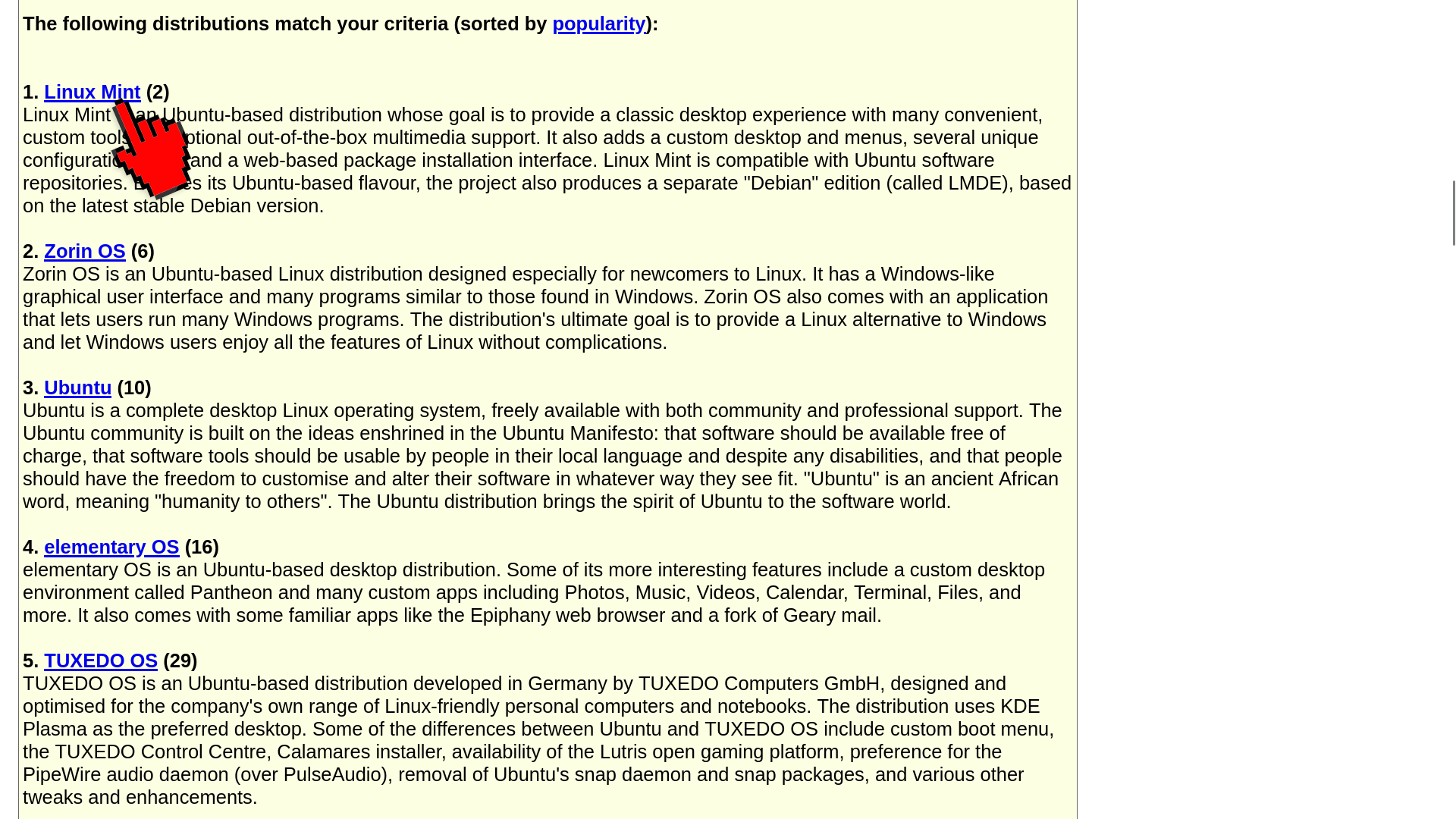
After you complete the test form, hit the “Submit Query” button, and DistroWatch will narrow down the results below, based on your selections.
In my case, the search narrowed the results to just 13 options.
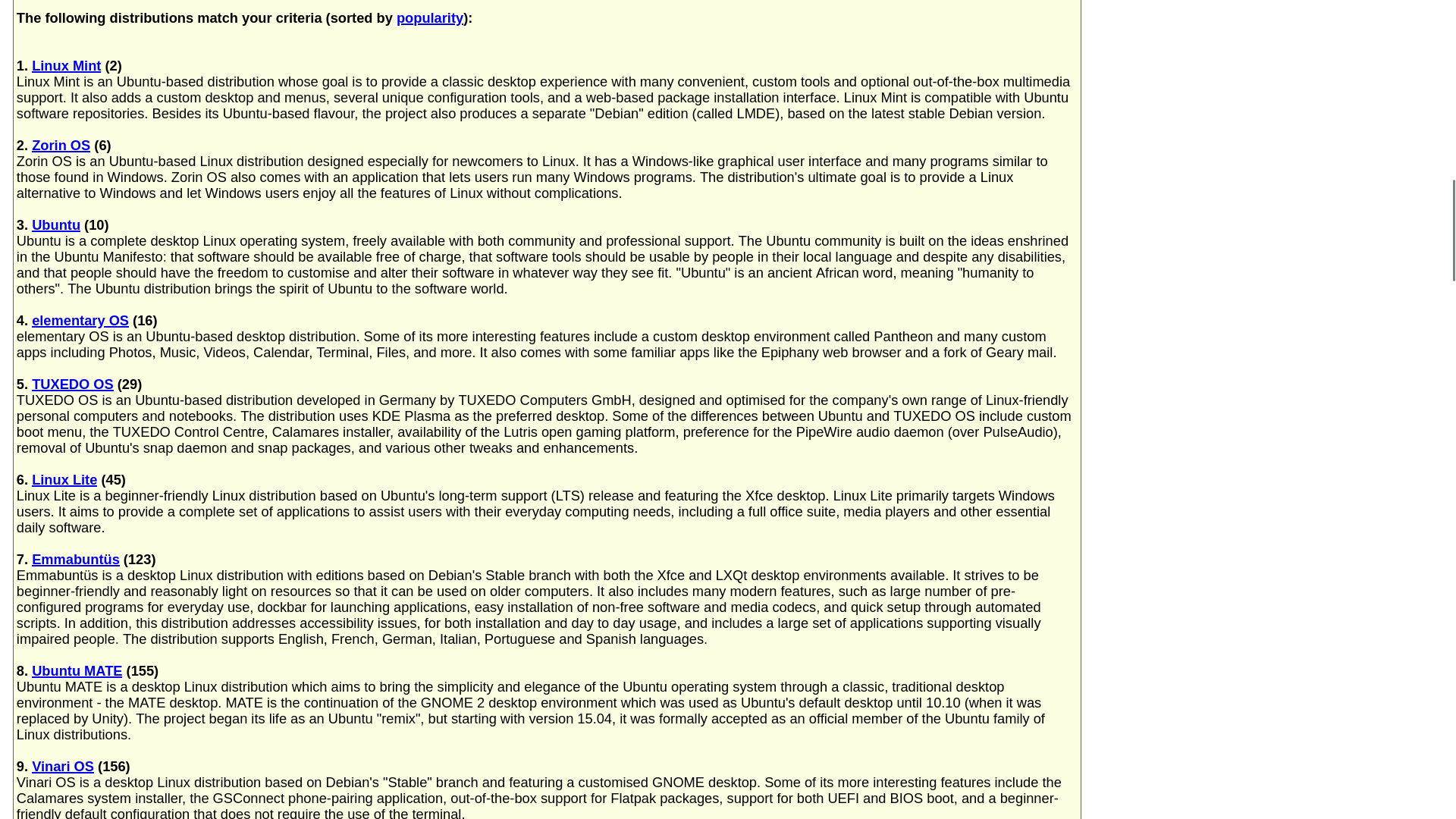
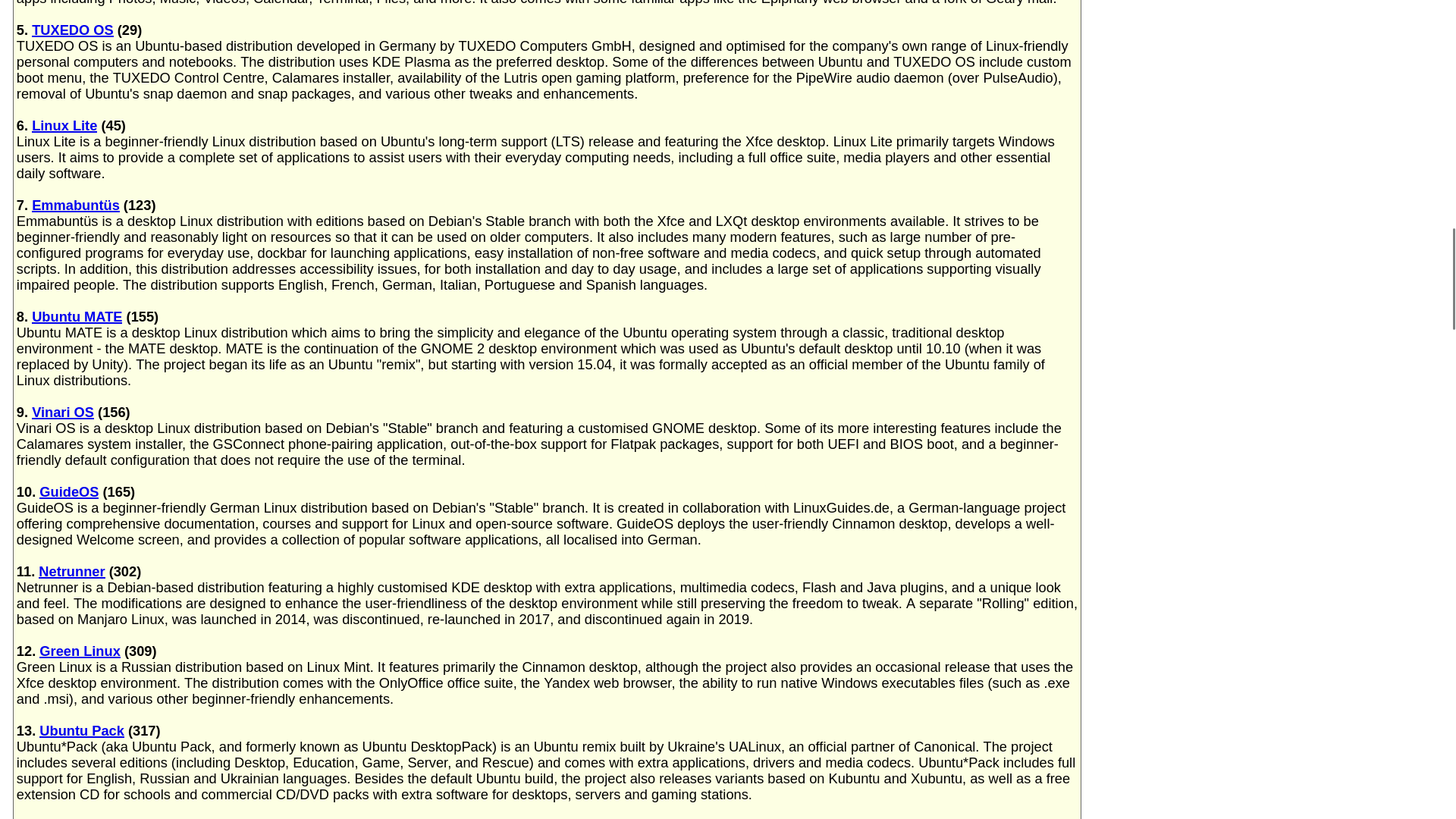
And if you look at these results, you will find distros like Linux Mint, Zorin OS, Ubuntu, Elementary OS, Tuxedo OS, Linux Lite, all of which are highly recommended as beginner-friendly Linux distros. Plus, all of them are based on the Debian family, meaning that if ever required, you will find help very easily.
And if you look carefully, you will see a number in parentheses next to each distro name. This indicates how popular a Linux distro is, according to DistroWatch.
What to Do Next
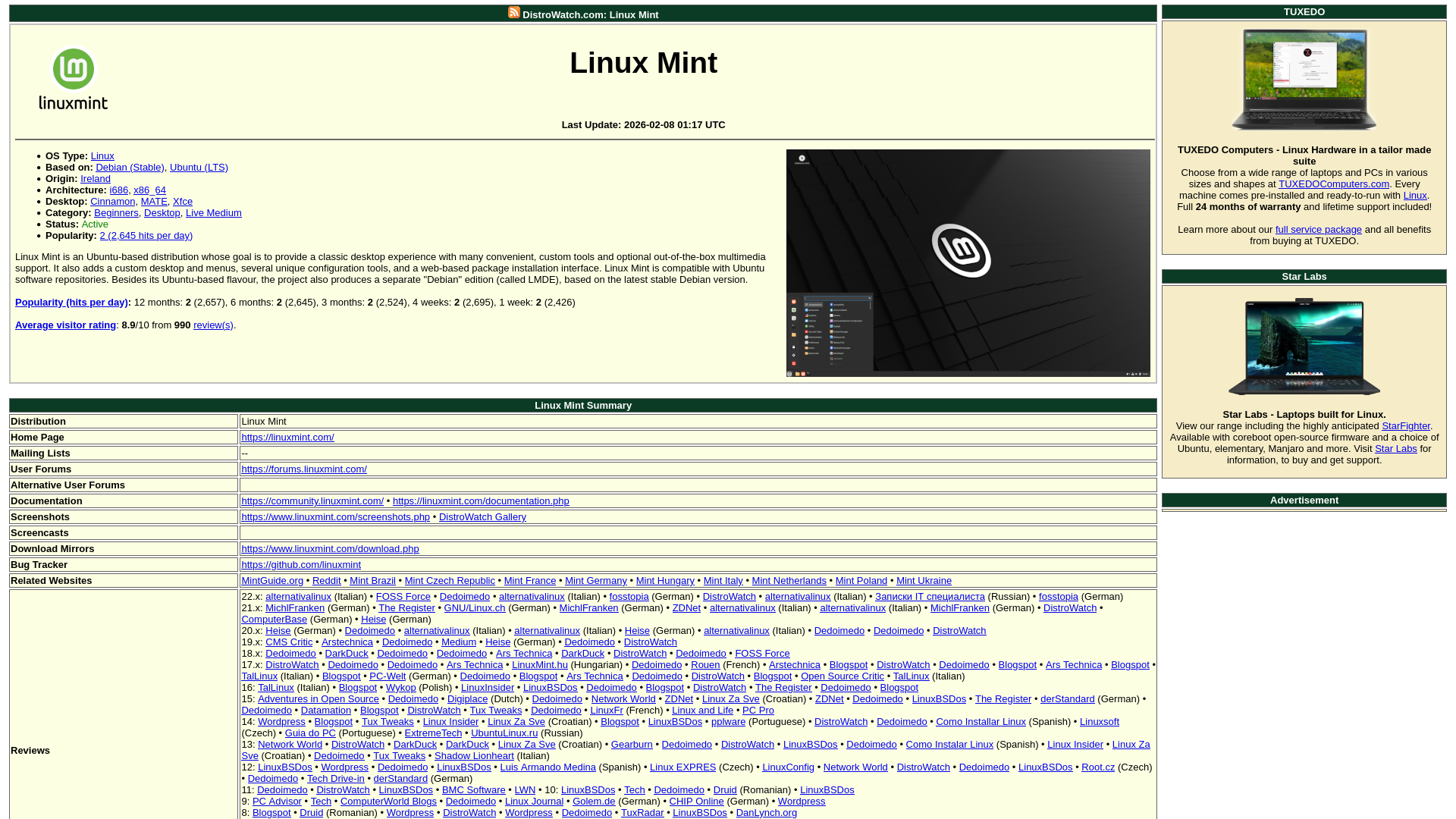
To know more about these distros, just click the name, and it will take you to the distribution’s information page. And these pages are treasure troves of information. Here you will find everything you need, from basic information, website link, community forum link, download page link, links to reviews done by independent reviewers, and whatnot.
So what are you waiting for? Go and check for yourself. And don’t just take the test, try at least 4 or 5 distros. I am sure you will find your best match.
Quick Recommendations for Beginners
If you are still overwhelmed after reading all this, here is what I recommend:
Use these settings:
- Operating System Type: Linux
- Distribution Category: Beginners
- Country of Origin: All
- Based On: All
- Not Based On: None
- Desktop Interface: All
- Architecture: x86_64
- Package Format: All
- Release Model: Fixed
- Install Media Size: All
- Installation Method: All
- Multi-language Support: All
- Init Software: All
- Status: Active
This will give you a solid list of beginner-friendly, stable, and well-supported distros that you can confidently try.
Conclusion
DistroWatch’s search tool turns an overwhelming decision into something manageable. Instead of randomly picking from hundreds of distros or relying on biased “Top 10” lists, you get results tailored to your needs.
The process is simple: answer 14 questions, get a curated list, research your top picks, test them in a virtual machine or with a Live USB, and choose your favourite distro.
But the most important thing to note is Don’t treat this guide as a rigid rulebook. The recommendations I gave are meant for typical beginners, but your needs might be different. So play around. Try different combinations. Change a few filters and see what happens. The real purpose of this guide is not about following someone else’s settings; it’s about discovering what works for YOU. So experiment, explore, and curate your own list.
And if you want even more beginner-friendly options for finding your perfect distro, check out my previous guide on How to Find Your Perfect Linux Distro Using Distrochooser and Librehunt. These tools take a slightly different approach; they use a quiz-style format for curated recommendations. Between DistroWatch, Distrochooser, and Librehunt, you will definitely find the right match.
So stop wasting time on endless Google searches. Use these tools and find the right distro from day one.
Frequently Asked Questions
Q: What is DistroWatch and why should I use it?
A: DistroWatch is a popular website that tracks and provides information about Linux distributions, BSD operating systems, and other open-source projects. It offers detailed distro pages, news, rankings, and a powerful search tool for discovering operating systems. Instead of reading conflicting “Top 10” lists, you answer questions about what you need, and it shows distros that actually match your requirements.
Q: How can beginners choose the right Linux distro?
A: Beginners can choose the right Linux distribution by considering their needs, such as ease of use, desktop environment, and system requirements. Tools like the search filters on DistroWatch help narrow down hundreds of distros based on these preferences.
Q: Can DistroWatch help find beginner-friendly Linux distributions?
A: Yes. The search filters on DistroWatch allow users to select categories such as “Beginner”, “Desktop”, or “Education”, making it easier to find Linux distributions designed for new users.
Q: Can DistroWatch help me find distros for specific purposes like gaming or privacy?
A: Yes. In the Distribution Category filter, you can select “Gaming,” “Privacy,” “Old Computers,” “Education,” or other specialised categories to find distros built for those purposes.
Q: Why are “Best Linux distro” lists unreliable?
A: Most “Best Linux distro” lists are subjective opinions. The best distro depends on factors like hardware, experience level, and intended use. A search tool like the one on DistroWatch provides a more objective way to discover suitable distributions.
Q: What’s the difference between Fixed and Rolling release models?
A: Fixed releases (like Ubuntu) get major updates every 6-12 months and are more stable. Rolling releases (like Arch) update constantly with the latest software but can occasionally break. Beginners should choose Fixed or Fixed (LTS).
Q: What does the number in parentheses next to distro names mean in DistroWatch?
A: That’s DistroWatch’s popularity ranking based on page hits. Lower numbers mean more popular. It’s a decent indicator of community size and available support.
Q: How many distros should I test after getting my results?
A: Test 3-5 of your top matches using live USBs or virtual machines. Spend a day with each. One will feel right.
Q: What if I don’t like any of the distros DistroWatch recommended?
A: Change a few filters and try again. Or check out other distro-finding tools like Distrochooser.de or Librehunt.com, which use a quiz-style approach instead of filters.
📑 If you enjoyed this article, you may also like our guide on:
🎬 Prefer watching? Here’s the detailed video:
💬 Engage With The Community:
🔀 Share this Article: