
8 Critical Mistakes To Avoid As A Linux Beginner
Quick Summary
Switching to Linux can be a rewarding experience, but many beginners quit because of simple, avoidable mistakes. These include choosing distros based on hype instead of needs, skipping hardware compatibility checks, installing without backups, expecting Linux to behave like Windows, blindly running terminal commands, ignoring system updates, misunderstanding desktop environments, and giving up too quickly. Avoid these mistakes and your Linux journey will be much smoother.
Main Article
Are You Switching to Linux? But beware of these 8 common mistakes kill more Linux journeys than any technical limitation ever could. But the good news is that they are all completely avoidable.
I am sure you have probably seen the sudden hype around Linux and might be thinking, what is so special about it, let me try it myself. That’s a great instinct. I can bet that you will not just like but love Linux, because it always rewards curious minds.
But few basic oversights that can kill your enthusiasm and send you right back to your old Proprietary Operating System. So lets find what these simple mistakes are, and more importantly, how to avoid them for a perfect Linux experience.
1. Choosing a Linux Distro Based on Hype Instead of Needs

Every new Linux User tries to start their journey by choosing a perfect Linux Distro. And in this process they receive a lot of suggestion like “Use X Distro, this is the best for beginners” or “do not Use Y Distro, this is not for beginners” and the classic “Do not start with a wrong distro.”
But the truth is: There are no perfect or wrong distros, only wrong expectations.
So even before choosing a Linux Distro, ask yourself three simple questions:
- Do I want stability, or new features?
- Do I want an easy start, or maximum control?
- How much time do I have to troubleshoot, if some thing goes wrong?
Linux Distribution lies in multiple categories. Some are targeted towards everyday users, some are for DIY tinkers. Some come with a Desktop environment, some you have to set up manually. Some are known for their stability, some are for bleeding-edge updates. You just have to understand your needs.
Do not chase popularity, look for functionality. While you are using Windows, go to Linux distro Websites, download and try them in Virtual Machines. Even better if you have a spare laptop or PC, install it there and use it for two or three weeks. Try them with different Desktop environments. At the end you will definitely find your best match.
2. Installing Linux Without Checking Hardware Compatibility
Linux has come a long way in terms of hardware support. But that does not mean every component is guaranteed to work out of the box. Even now new proprietary cards, printers and sometime even Laptops bring upon some issues.
Before installing a Linux distro on physical hardware, always try it through Live USB first. If things work perfectly in the Live Environment, you are all good to go. But if they do not, they will certainly not work even after installing.
If the Linux distro does not have a Live environment, you can search the compatibility lists online:
- Linux Hardware Database - Comprehensive hardware compatibility database
- Ubuntu Certified Hardware - Official Ubuntu compatibility list
- Red Hat Certified Hardware Catalogue - Enterprise-grade compatibility testing
You can also search the community forums to see how well a specific model works with Linux. This will not only boost your confidence but prevent you from booting into a malfunctioning system. A little caution will save you from major headaches later.
3. Migrating to Linux Without Backups
This third mistake is purely fuelled by excitement of trying something new, but Installing Linux without a proper backup can be a critical mistake.
It’s easy to treat a Linux installation like a simple app update, but it’s not. You are modifying your hard drive’s partitions. One wrong click, and every important document you own could be gone in an instant.
Make these three steps your first priority before you even touch that ‘Install’ button:
-> Step 1. Cloud Backup for Documents: If you only have a few documents, upload them to your cloud storage. It’s fast and foolproof.
-> Step 2. External Drive for Personal Media: If you have years of personal photos or videos, put them on a physical external drive and unplug it before you start the installation.
-> Step 3. Save Your License Keys: Do not forget to write down your Windows License key and your Microsoft Office key. Because if you decide Linux is not for you, you will need those to get your old life back.
Bonus - Create a Full System Recovery Image of Windows: Whether you’re dual-booting or wiping the whole drive, a backup is not just a “smart move”, it is your only insurance policy against a permanent disaster.
4. Expecting Linux to Work Like Windows
When you start using Linux, you have to understand you are switching to a completely different operating system, with a completely different core philosophy. If you try to hold onto your Windows habits, you will only get frustrated and disappointed.
Linux, the way it looks, the workflow, the file system structure, software management and updates, are fundamentally different than that of Windows.
Key Differences to Understand:
File System Structure: You won’t find a central “C: or D: drive”. Linux uses a Unix-like directory system starting with forward-slash / (which denotes the root directory).
Software Installation: Linux does not use .exe installers. Software is installed centrally through your Software Centre or Package Manager.
Application Philosophy: Instead of saying, “I need Microsoft Word,” say, “I need a word processor.” Instead of worrying about getting the exact same program, embrace open source alternatives like LibreOffice, Krita, or GIMP. Your goal is the objective, not the brand.
Embrace the differences, and you will realise the Linux way is often cleaner, faster, and more efficient.
5. Copy-Pasting Random Commands Without Understanding Them
When troubleshooting issues, Linux community is the biggest asset users have, but not every piece of advice there is up-to-date or safe to use. When you use a command starting with sudo, you are giving that line of code total control over your system.
New users often copy and paste commands from community forums and blog posts without understanding the inner workings. While these tips can sometime solve problems quickly, other times they can delete your entire home folder or break your bootloader in a few seconds. Because Linux commands are very powerful tools, a single wrong command in a wrong directory can be catastrophic. It’s the difference between a working system and a dead one. And worst of all, blindly copy-pasting terminal commands stops you from actually learning Linux.
The Safe Approach:
Never hit “Enter” on a command which you cannot explain. Use these resources:
- ExplainShell - to breaks down exactly what each part of a command does
- AI chatbots - Ask to explain the syntax before executing
Understanding the “What” and “Why” before executing a command not only reduces risk but also builds confidence and deeper knowledge of Linux system. In the long run, it will not only save time and stress but will help you become a skilled Linux user.
6. Not Updating Linux Regularly
In Windows, updates are automatic, forced, and intrusive. But in Linux, you have total control. Your system won’t restart in the middle of important work. For experienced users, this can be liberating, but for new Linux users, it is a double-edged sword. Because updates are not forced in Linux, it is very easy to neglect them completely.
But in the Linux world, updates are not about finding new ways to collect your data; they are your primary defence against security vulnerabilities and the best way to fix bugs before they crash your desktop.
Make This a Weekly Habit:
While most distros will notify you about updating, make a habit of checking for updates once a week. Learn the one command that keeps your specific distro fresh:
- Debian/Ubuntu:
sudo apt update && sudo apt upgrade- Fedora:
sudo dnf upgrade- openSUSE:
sudo zypper update- Arch:
sudo pacman -SyuSome distributions also offer automatic security updates, which can help you stay protected without any manual intervention. Check your settings and enable automatic updates if they are available.
Remember, no OS is 100% immune to threats. Keeping your software up to date is the simplest thing you can do to ensure your Linux experience stays stable, fast, and most importantly, secure.
7. Not Understanding the Difference Between Distros and Desktop Environments
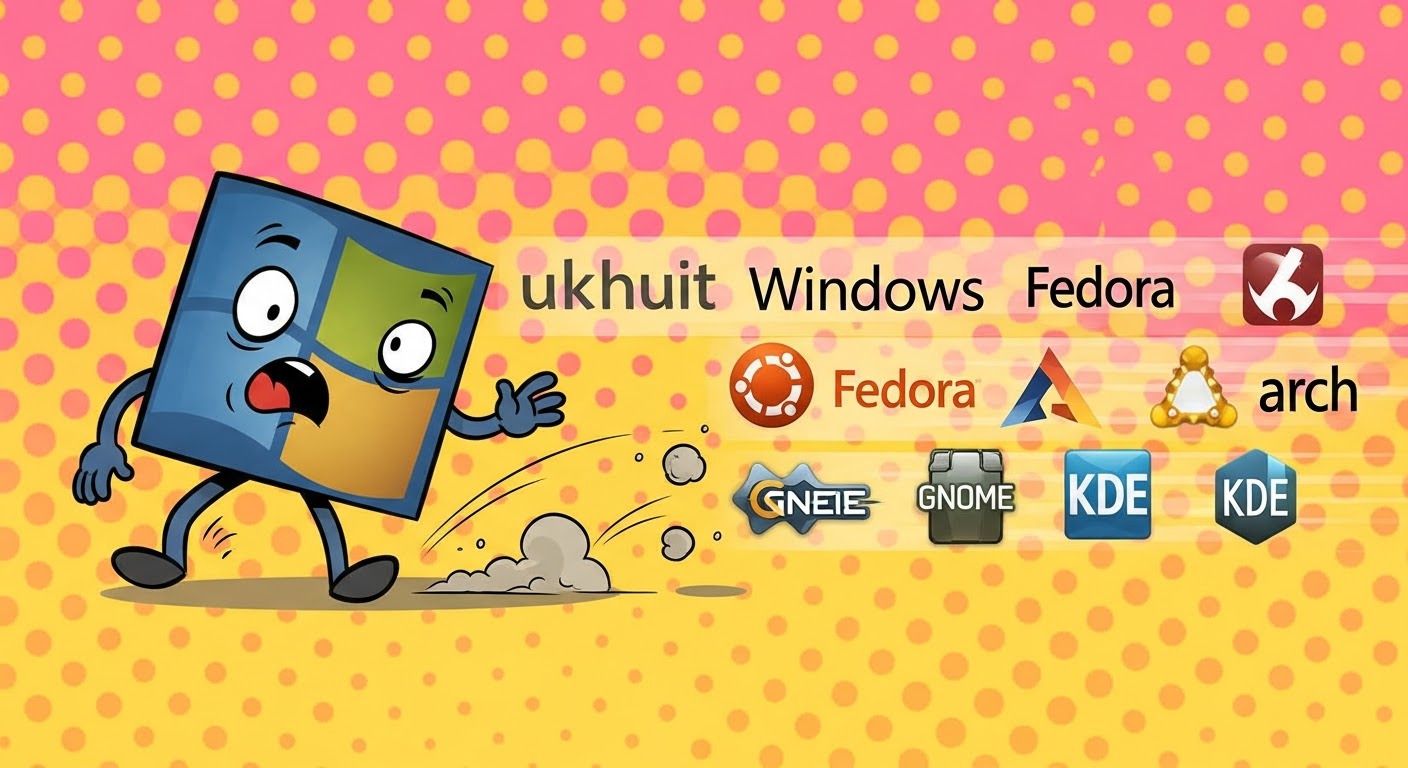
One of the biggest sources of confusion for new Linux users is mistaking the desktop environment for the distribution. This misunderstanding leads to unnecessary distro-hopping. And when New users constantly distro hop they remain a perpetual beginner because you never stay in one environment long enough to encounter and solve a real problems.
But in reality most mainstream Linux distros are almost the same under the hood. The biggest visual difference is just the Desktop Environment (DE), which controls how your system looks and feels. So a user won’t have to switch from Ubuntu to Kubuntu, just because they don’t like the UI. All they have to do is install KDE Plasma Desktop Environment on their existing system Ubuntu System.
Instead of chasing a “perfect” distro that doesn’t exist, choose a mainstream, stable distro and commit to it for at least 3-4 months. If you don’t like the look, learn how to customise the Desktop Environment. If a software is missing, learn how to use the Package Manager. If the system breaks, learn how to fix it. Because the true Linux mastery isn’t found in the ISO you download; it is found in the problems you solve by staying put.
8. Giving Up Too Quickly

The eighth and final mistake is the most common one, that is Giving up too quickly. New users often hit one wall, maybe because of a misconfigured setting or a boot error, and they immediately retreat to Windows. But in reality, Windows breaks too. The difference is that when Windows breaks, you are used to it. But when Linux breaks, you blame the OS and quit.
Plus, there are so many online myths and misinformation telling you that Linux is hard to use or that you must know terminal commands. Those days are long gone.
Using Linux and Knowing Linux are two completely different things. Just like you don’t have to be a mechanic to drive a car; you don’t need to be a geek to use Linux for your daily work.
Of course, there is Learning Curve, sure you are going to make mistakes. You might even break your system a few times. But every mistake is a learning experience, and every problem you overcome is something that won’t be an issue the next time you encounter it.
So don’t quit just because Linux is different. Stick with it, solve your problem, and you will be one step closer to mastering it.
Conclusion
Transitioning to Linux is more than just changing your OS; it’s about taking back control of your digital life. Linux is a powerful tool, but like any tool, it’s only as good as the person using it.
Be patient, stay curious, and you will realise that the freedom you get in return is worth every bit of the learning curve. These 8 mistakes account for 90% of failed Linux switches. Avoid them, and you will skip months of frustration.
Frequently Asked Questions
Q: Is Linux difficult for beginners?
A: No. Modern Linux distributions are designed to be beginner-friendly. Most tasks can be done using graphical tools without needing advanced technical knowledge.
Q: How do I choose the right Linux distro as a beginner?
A: Instead of following internet hype, beginners should choose a distro based on their needs, such as stability, ease of use, and the amount of time they are willing to spend troubleshooting. For most beginners, popular distros like Linux Mint and Zorin OS offer the best balance. Test 2-3 distros in VirtualBox before committing.
Q: Why Users should check hardware compatibility before installing Linux?
A: Not all hardware works out of the box on Linux, especially newer proprietary components like WiFi cards, graphics cards, and printers. Always test with a Live USB first. If it works in Live mode, it will work after installation. Check Linux Hardware Database, Ubuntu Certified Hardware, or community forums for your specific model.
Q: What should I back up before switching to Linux?
A: Three essentials: (1) Documents and files to cloud storage or external drive, (2) Personal photos/videos to external drive (unplug it during installation), (3) Windows and MS Office license keys. Bonus: Create a full Windows system recovery image if you are unsure about committing to Linux long-term.
Q: Does Linux work exactly like Windows?
A: No, and that’s by design. Linux uses a different file system structure (no C: or D: drives), different software installation methods (package managers instead of .exe files), and different applications (LibreOffice instead of MS Office). Embrace these differences, they’re often cleaner and more efficient once you adjust.
Q: Is it safe to copy terminal commands from forums and blogs?
A: Only if you understand what they do. Commands starting with sudo have full system control and can delete your home folder or break your bootloader if wrong. Use ExplainShell.com or ask AI chatbots to explain commands before running them. Understanding the “what” and “why” makes you a better Linux user.
Q: How often should I update Linux?
A: Updating a Linux distro, once a week is ideal. Unlike Windows, Linux updates won’t force restarts during work, but they are your primary defence against security vulnerabilities. Learn your distro’s update command (e.g., sudo apt update && sudo apt upgrade for Debian/Ubuntu based distros). Many distros also offer automatic security updates, you can also enable them in settings.
Q: What’s the difference between a distro and a desktop environment?
A: A distro is the complete operating system (Ubuntu, Fedora, Arch). A desktop environment is just the visual interface (GNOME, KDE, XFCE). Most distros are similar under the hood, the DE controls how it looks. You can install KDE on Ubuntu instead of switching to Kubuntu. Do not distro-hop just to change the appearance.
Q: Do I need to know terminal commands to use Linux?
A: No. Modern Linux distros (Mint, Zorin, Ubuntu) work entirely with GUI tools. The terminal is a powerful tool but optional for everyday tasks like browsing, email, and office work.
Q: Should I dual-boot Linux with Windows or replace Windows completely?
A: Dual-boot initially. Keep Windows for: professional software (Adobe, AutoCAD), gaming with anti-cheat systems, or work requirements. Use Linux for: privacy, learning, daily tasks, older hardware, or web-based workflows. After spending 3-4 months on Linux, you will know if you can go full-time or need Windows occasionally.
📑 If you enjoyed this article, you may also like our guide on:
🎬 Prefer watching? Here’s the detailed video:
💬 Engage With The Community:
🔀 Share this Article: